Chapter 2 SETUP MODE
IP-EMZ Service Manual 2-19
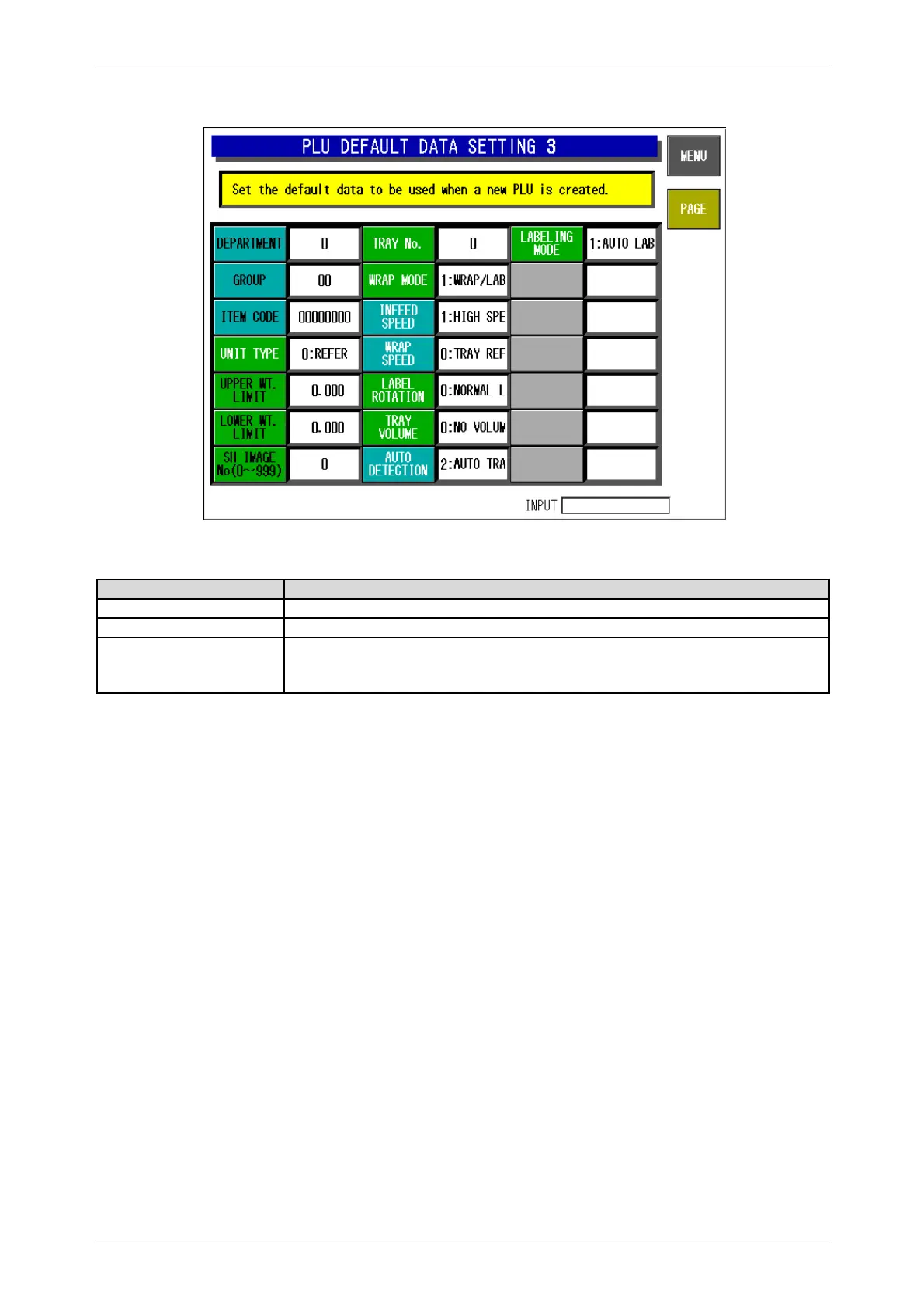
PLU Default Data Setting 3 Screen
Buttons/Display Fields Function
MENU Determines the settings and returns to the first screen of the Setup Menu.
PAGE Turns over the screen.
Default Data Setting
Items
Each button color has its meaning:
z BackgroundGreen: Unit price master data, Blue: PLU master data
z CharactersBlack: Requires numeric entry, White: Make a selection



 To Next Page