Gb Fr
324501D revision07 - 61 -
De
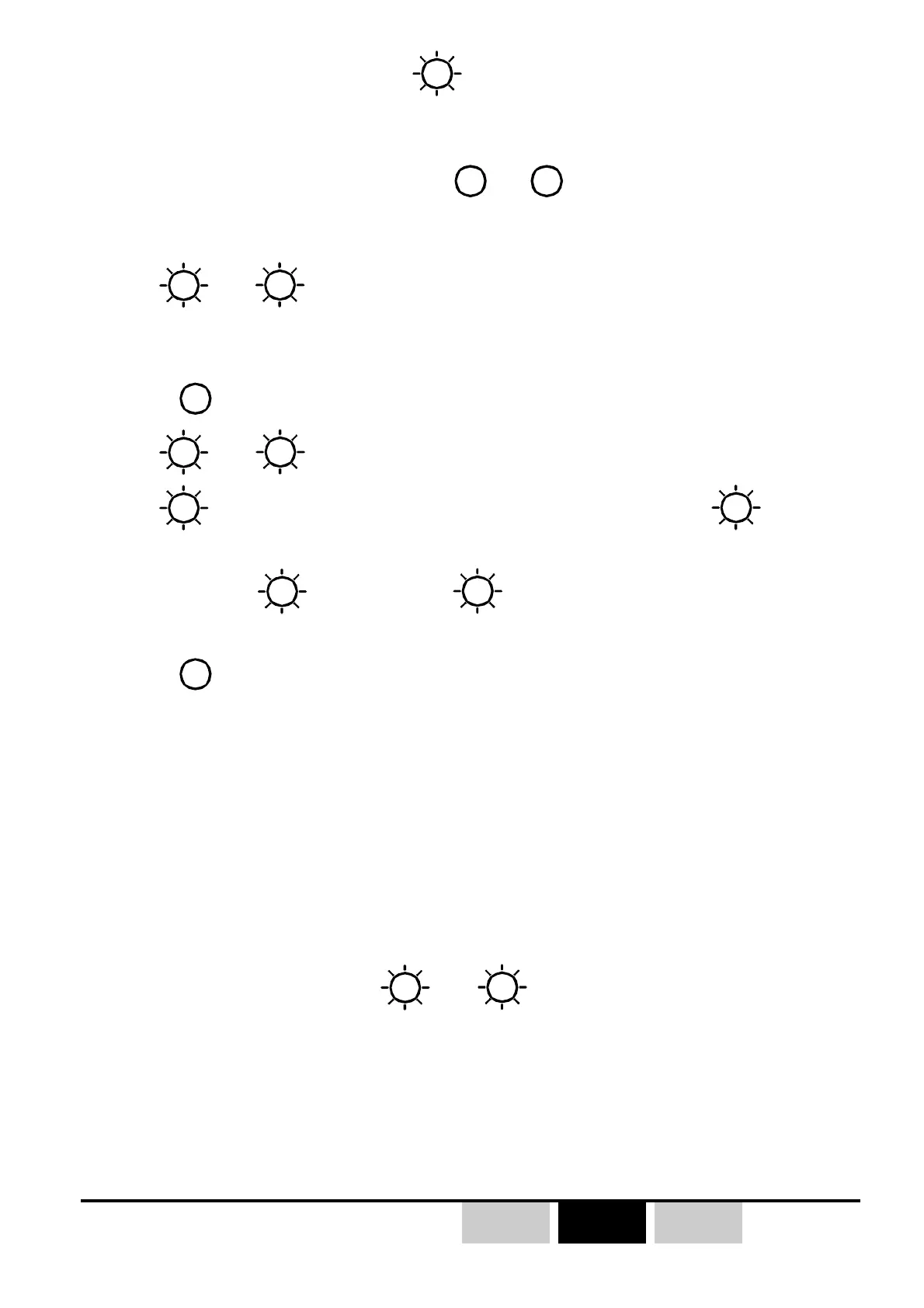
1- Switch OFF the transmitter (
Vb
green LED goes OFF).
2- Switch ON the receiver.
3- Simultaneously press and hold buttons
B1
and
then press the «On/Off» button
on the transmitter; keep the three buttons pressed for 1 second, then release
the 3 buttons.
-
Va
and
Vb
transmitter LEDs come on steady,The transmitter is waiting
for a programming choice (this waiting time lasts 4 seconds, after, the
transmitter switches itself off).
4- Press
B1
button to enter in «radio channel changing» mode
-
Va
and
Vb
indicate the transmitter current radio channel.
-
Va
red LED indicates the tens («On» = 10, «Off» =0),
Vb
green led
indicates the units by flashing.
Example :
Va
is light on, and
Vb
flashes 7 times, goes off, then flashes
7 times etc... the current radio channel number is «17» (434.700MHz)
5- Press
B1
to increment the radio channel number (01 to 18)
6- Once the desired channel is selected, press the «on/of» button to validate your
choice.
Briefly pressing «On/Off» button (<1s) :
the transmitter sends the selected radio channel number to the receiver and saves
its new working radio channel.
By pressing and holding the «On/Off» button (during 3 seconds) :
the transmitter sends the selected channel number to the receiver on each of
the radio link channels (01 to 18), and both equipment save the change. The
procedure is finished when
Va
and
Vb
go off (around 10s).
))
))
)
This procedure should be performed when you are not familiar with the
initial working channel of the receiver.



 To Next Page