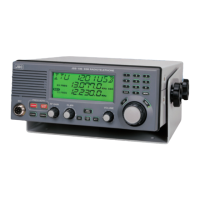
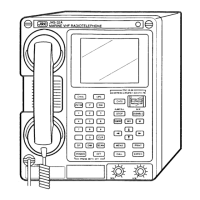
Attached documents 3
13/23
4.10 Confirm that the message of “JSB is upgrading” is displayed on the “Message” text box.
4.11 About 5 minutes later, “Upgrade is complete!!” is displayed on the message window.
(*)
When alarm message is displayed, redo from 4.2 after checking the setting according to the
message.
4.12 Click the “OK” button and close the updating program “JSSflash_V100.exe”.
Click “OK” button
5. Checking of software version
Select the menu 15 (VERSION) of JSB-196/JSB-196GM and check the version of TRX.


 To Next Page