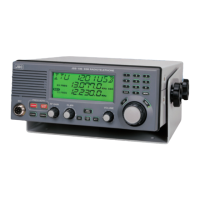
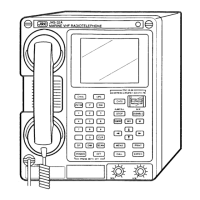
4.6 NDZ-127J Data Terminal
4.6.1 NBDP setting
ATTENTION
To enable setting adjustment, remove the cover of the NCT-196N DSC/NBDP MODEM
and insert the switch(S1)-No.3 into the OFF. When adjustment is complete, re-insert
the switch(S1)-No.3 into the ON and replace the cover.
S1
Insert the S1-3 to
OFF at the time of
Self-ID setting.
S1
Re-insert the
S1-3 to ON after
Self-ID setting.
OFF
12345678
OFF
12345678
Procedure
(a) Turn on the Power Amplifier “AC” switch and NCT-196N “POWER SWITCH”.
(b) Press Enter of keyboard to change the NBDP mode.
(c) Select “System” from the initial display and press Enter .
The pull-down menu for “System” appears.
(d) Select “NBDP setup” from the pull-down menu and press Enter .
The following display (NBDP setup) appears.
[TLX] Tx=12345.6kHz / Rx=12345.6kHz (ITU CH= 0) 10-APR-2002 12:00(LT)
Loc: N19.00 E115.30 at 11:00(UTC)
File Mode Connect Service System Help
[ STATUS INFO ]
Scanning info Tuner/Tx.POWER
[No scanning] TUNER :[READY]
Tx.POWER:[FULL]
Last status messages
Move the cursor to the item you want with ↑,↓,→,← then press Enter
System
ST-BY
ARQ/FEC 4- or 5-digit Self-ID :54321
GFEC 4- or 5-digit Self-ID :11111
ARQ/FEC 9-digit Self-ID :987654321
GFEC 9-digit Self-ID :222222222
Answerback : 54321 FFFFF X
Max. FEC error rate. : 30%
Max. automatic call series : 1
Collective FEC receiving : ON
Internal alarm : ON
Time duration for AUOT/MRTX: 10min
Restart : ON
Finite start/restart : ON
[Save] [ Cancel ]
NBDP setup
ARQ/FEC 4- or 5-digit Self-ID :54321
64



 To Next Page