Operating display – EBU R128 Meter
The meter style (ITU BS.1770-x / ATSC / EBU etc.) is defined by the settings of:
AUDIO PROCESOR > Level Magic > Loudness Mode (example is for EBU R12().
The above menu serves as a display of measurement values and offers the metering control buttons
(reset & pause / continue).
<ESC> returns to the main operating display.
Operating display – Audio Processor
<ESC> returns to the operating display.
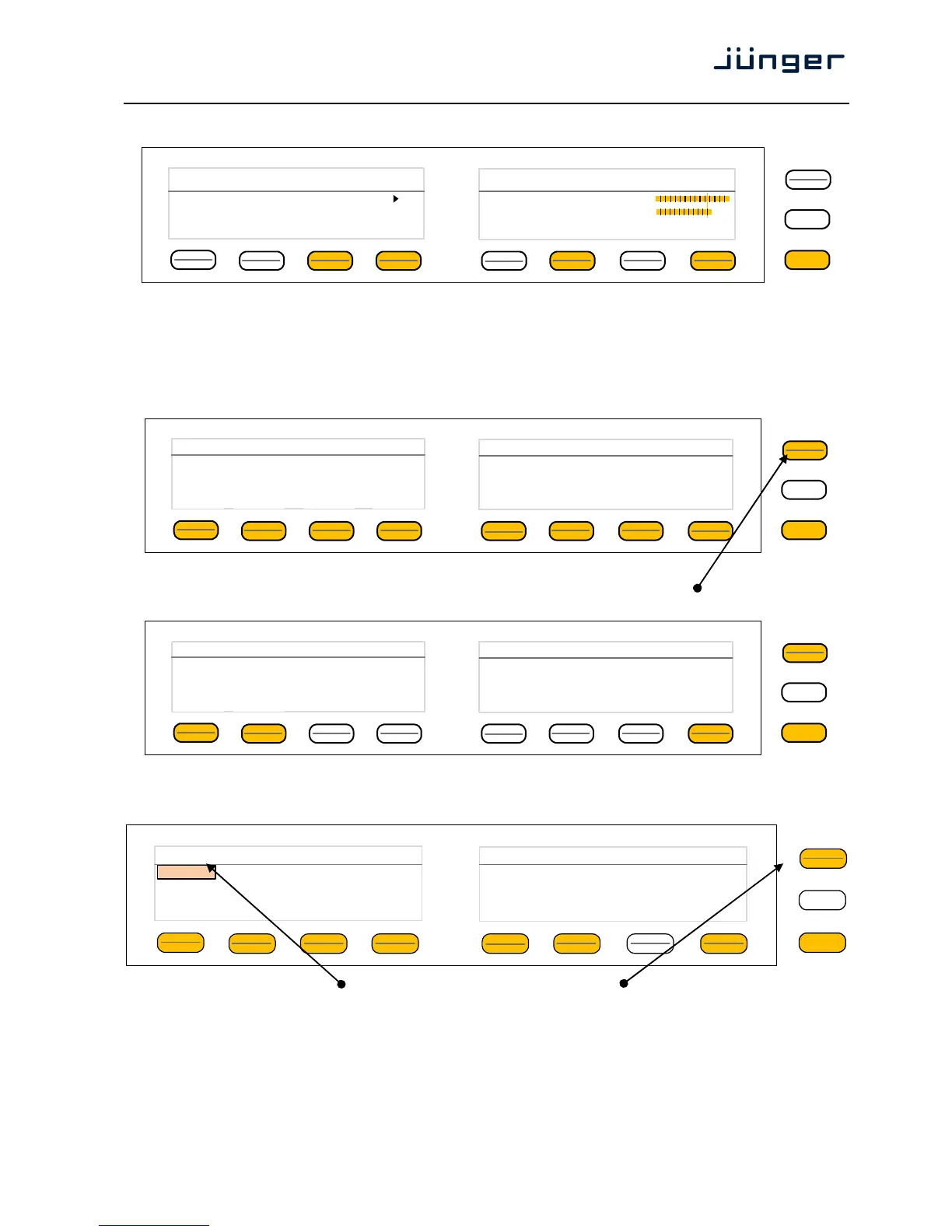
This menu gives access to tweak the various function blocks. The active <Shift> button indicates that
there is another page (2/2):
The example below explains how to set parameters via the X*AP. E.g. if you press <Input>
all parameters for the input function block will be accessible:
Here you are at the input section of the first program. The <Shift> button
again toggles between two pages and gains access to the remaining parameters:
MENU
ESC
Audio Processor TV3 HD
10.110.96.15 1/2
Phase
Rotator
Input Fail
Over
Spectral
Signature
Equalizer Dynamics Voice
Over
De-Esser
MENU
ESC
Audio Processor TV3 HD
10.110.96.15 2/2
FM
Conditioner
Level
Magic
Output
MENU
ESC
Input Link On Mute Gain[dB] Mono 1/2
V2 Linked On off 0.0 Stereo
L/R
Program 1
MENU
ESC
EBU R128 Int LRA Time
[LUFS] [LU] hh:mm:ss
Input -19.3 6.4
Output -23.2 5.8 00:12:15
Short-Term Max TPL Momentary
[dBTP] Max
-19.7 -6.6 -12.0
-21.3 -5.0 -16.0
reset max Program 1
pause
reset



 To Next Page