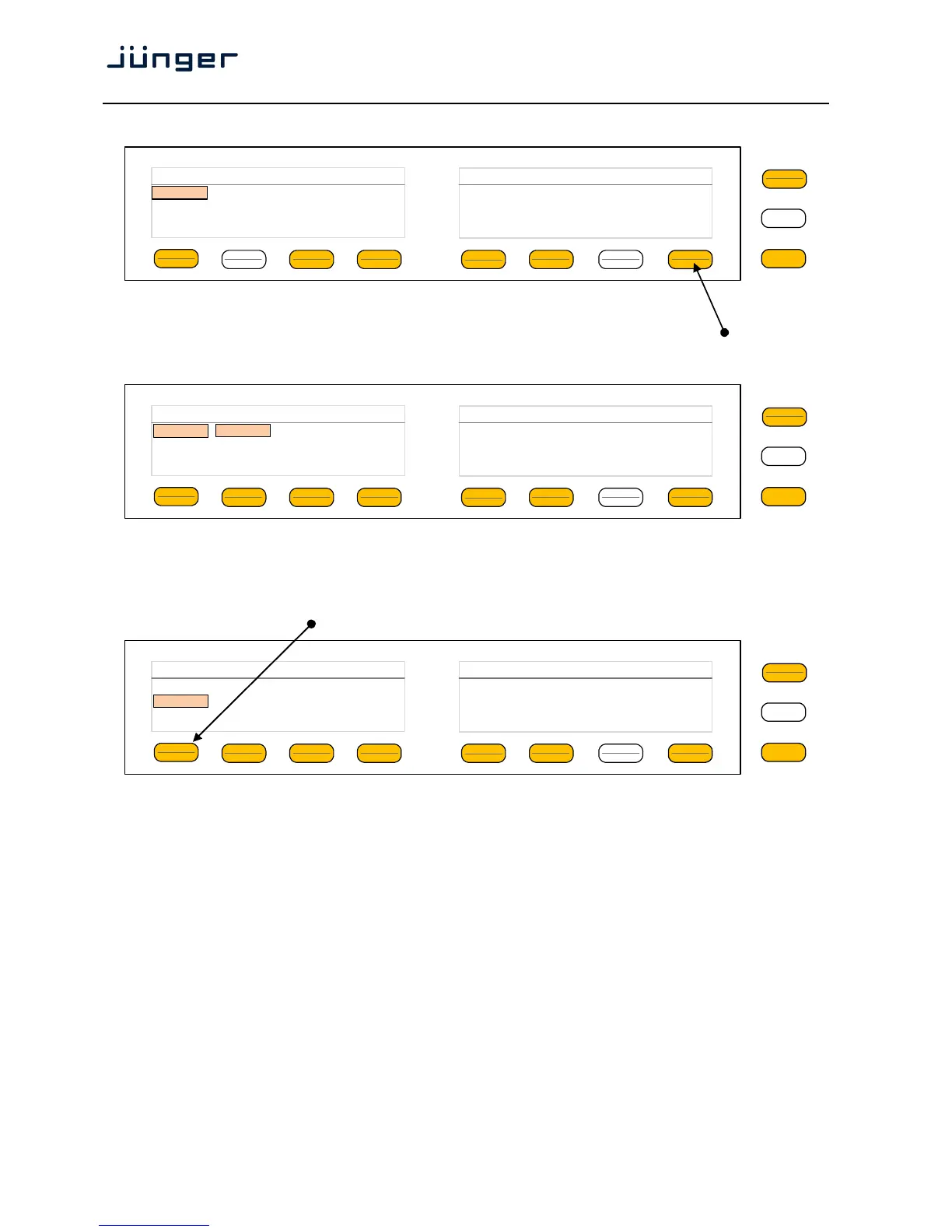
Here is another example for page 2/2 after pressing the <Shift> button:
The D*AP4 knows two independent programs:
See SYSTEM > Setup > Program Configuration = 2 x 2. You can select between both here.
You are able to link / unlink the respective processing blocks (see AUDIO PROCESSOR > Input):
The above example shows both channels of "Program 1" (default name) in Linked mode.
When you press hotkey #2 you are able to unlink both channels. Now you must simply push the rotary
encoder (or turn it counter clockwise / clockwise) to toggle between Linked and Unlinked condition.
In case of Unlinked, the display shows two independent parameter sets.
By pressing hotkey # 1 you can toggle the between the channel that is under control:
The examples above demonstrates the general way how to setup parameters of the
AUDIO PROCESSOR of the D*AP4 VAP:
* Select a parameter
* Change it by using of the Rotary Encoder.
- Push it to toggle states
- Turn it to increment / decrement values.
Important Note! Not all processing blocks can be linked / unlinked. Carefully compare the settings via the
web GUI if you are not certain about individual settings. In general the X*AP RM
1
menus are a duplication of
the GUI settings. To access all parameters of a function block you must sometimes use the <Shift> button.
E.g. the equalizer has 5 pages for one program channel!
MENU
ESC
Input Delay Coarse [ms] Fine [samples] HPF [Hz] LPF [kHz] 2/2
1/2 0 0 OFF OFF
L/R
Program 1
MENU
ESC
Input Link On Mute Gain[dB] Mono 1/2
V2 Unlinked On off 0.0 Stereo
L/R
Linked
Program 1
MENU
ESC
Input Link On Mute Gain[dB] Mono 1/2
L Unlinked On off 0.0 Stereo
V2 On off
0.0
R
Program 1



 To Next Page