• ESD grounding strap
• Anstac bag or an anstac mat
• Replacement fan module
1. Place the anstac bag or the anstac mat on a at, stable surface.
2. Aach the ESD grounding strap to your bare wrist, and connect the strap to the ESD point on the
chassis.
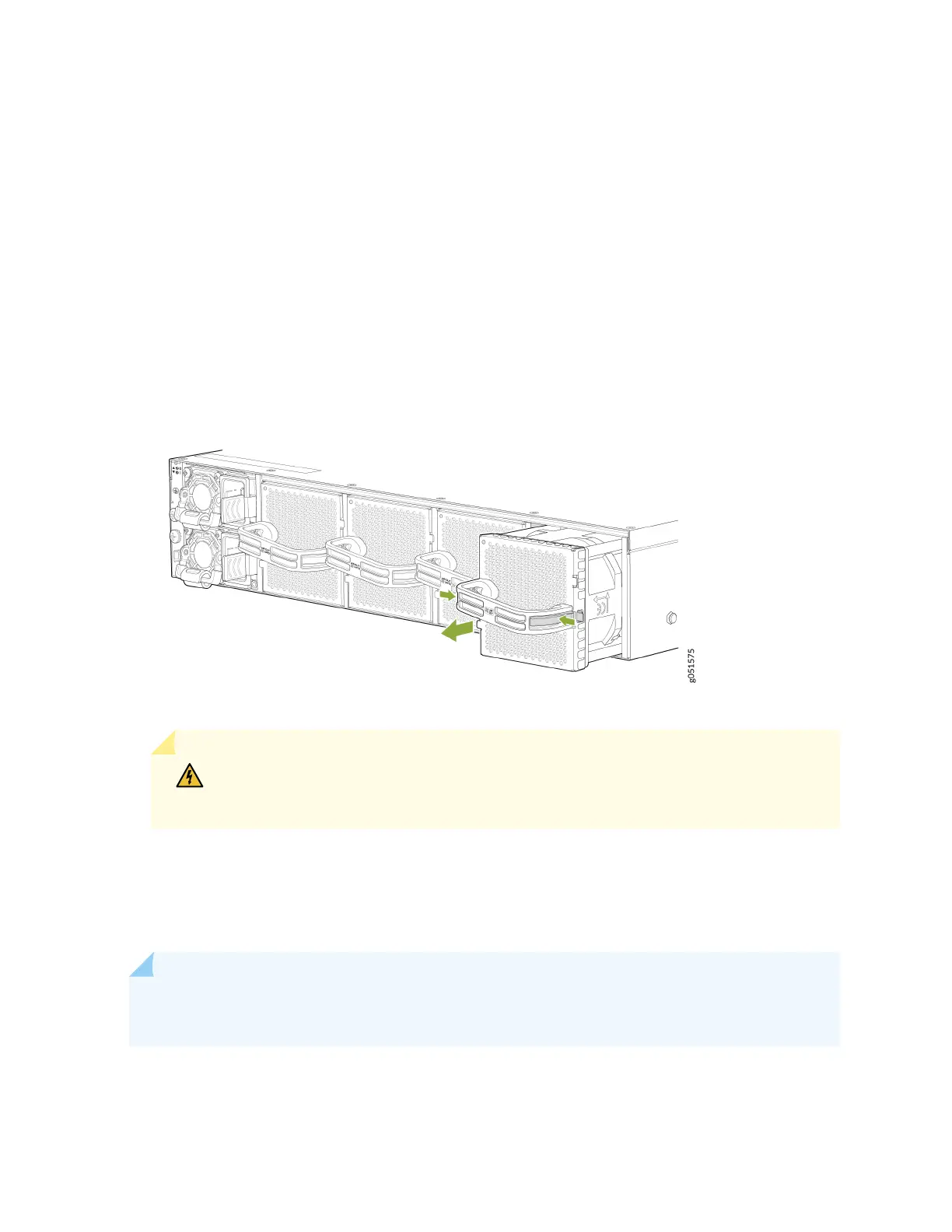
3. Grasp the handle on the fan module and squeeze the outside of the handle to release the module.
Figure 31: Remove a Fan Module from a QFX5240 Switch
WARNING: To avoid injury, do not touch the fan with your hands or any tools as you
slide the fan module out of the chassis—the fan might sll be running.
4. Pull rmly to slide the fan module halfway out of the chassis.
5. When the fan stop spinning, use your other hand to support the fan and slide the fan module
completely out of the chassis.
6. Place the fan module in the anstac bag or on the anstac mat placed on a at, stable surface.
NOTE: When you remove a fan module, the CLI message Fan/Blower is Absent is logged in the
system log, and the system raises a minor alarm.
91













 To Next Page