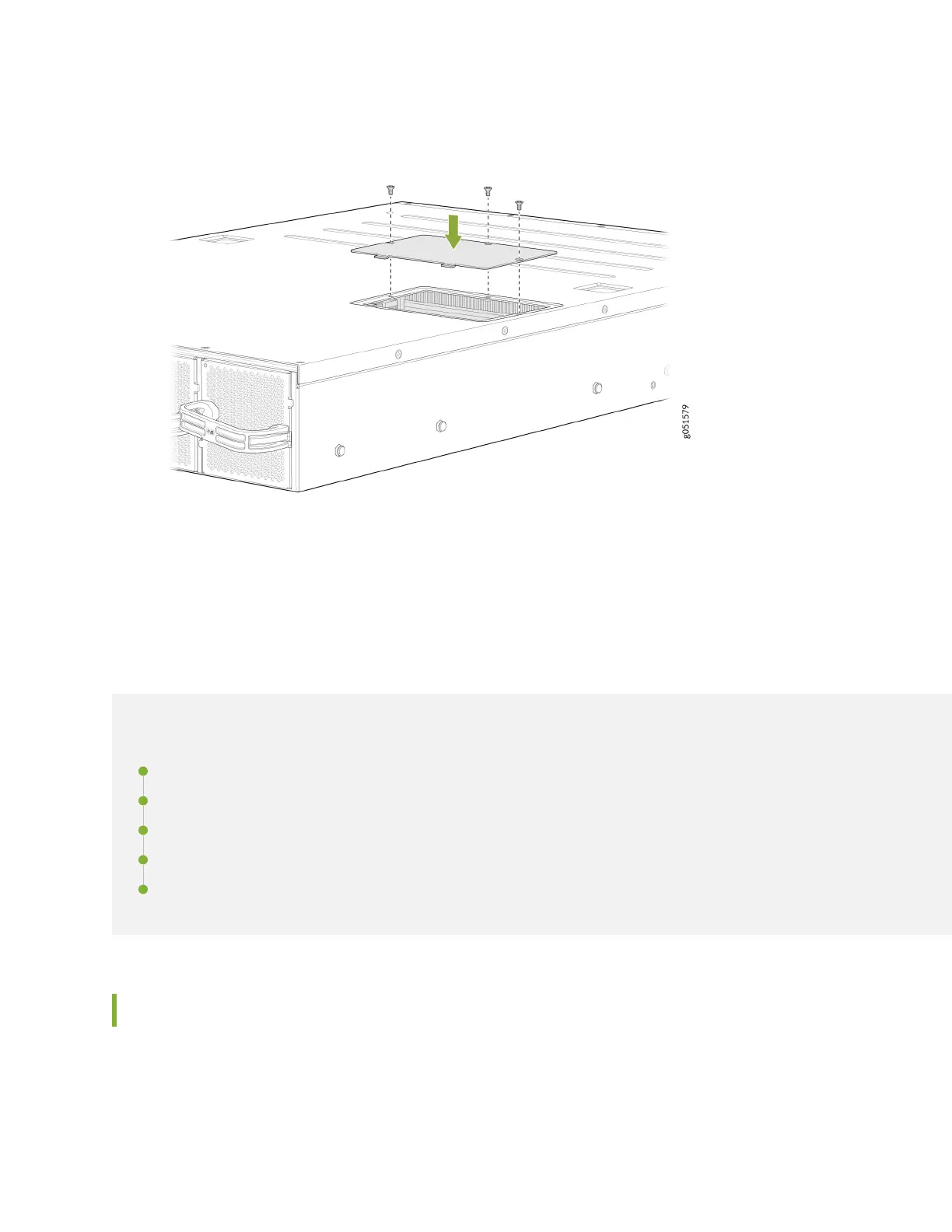
Figure 39: Replace the SSD Cover Plate
Maintain Transceivers and Fiber Opc Cables on a
QFX5240 Switch
IN THIS SECTION
Remove a Transceiver | 100
Install a Transceiver | 103
Disconnect a Fiber-Opc Cable | 106
Connect a Fiber-Opc Cable | 107
How to Handle Fiber-Opc Cables | 108
Remove a Transceiver
Before you remove a transceiver from a device, ensure that you have taken the necessary precauons
for the safe handling of lasers (see
Laser and LED Safety Guidelines and Warnings
).
100













 To Next Page