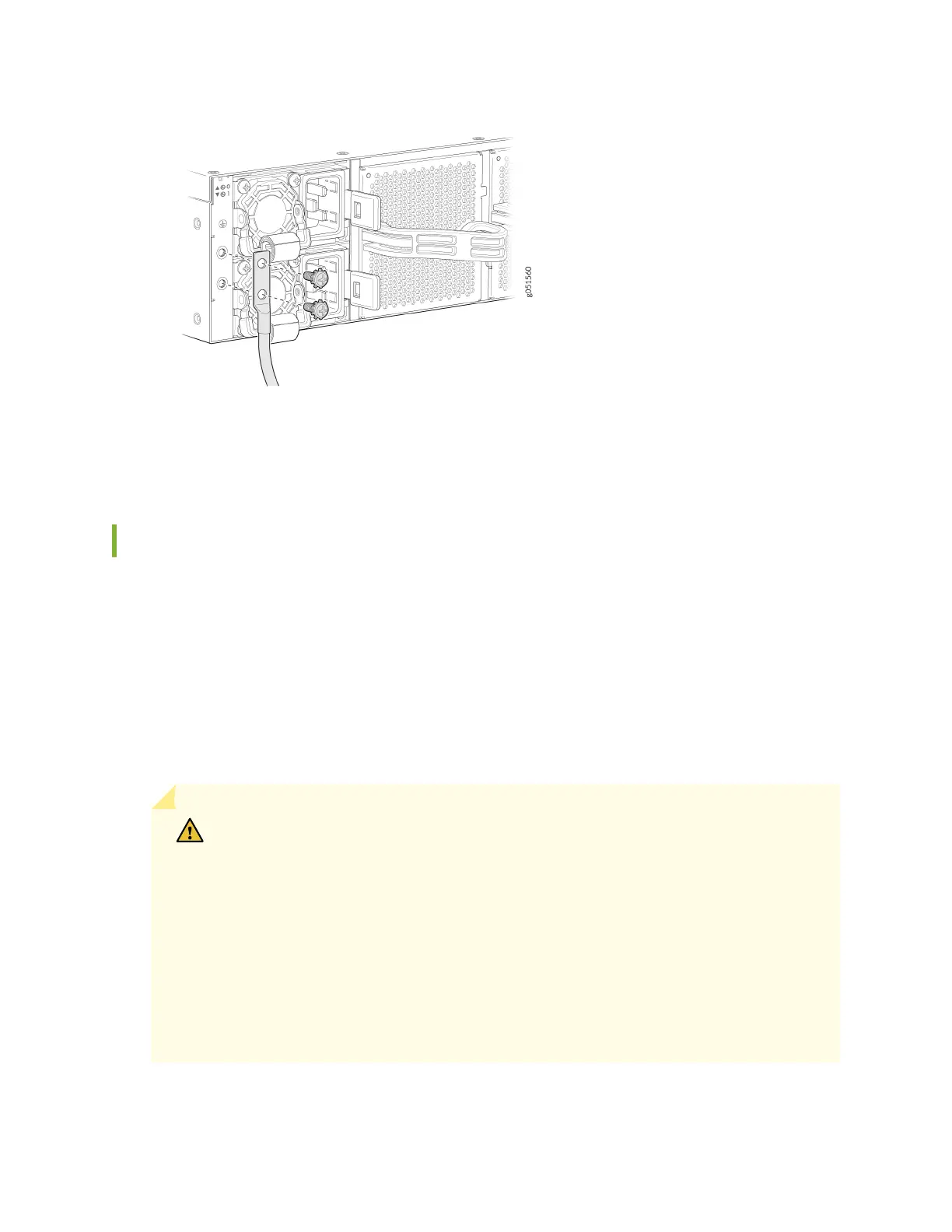
5. Dress the grounding cable and ensure that it does not touch or block access to other device
components. Also make sure the cable does not drape where people could trip over it.
How to Connect AC Power to a QFX5240 Switch
Ensure that you have a power cord appropriate for your geographical locaon available to connect AC
power to the switch.
Before you begin connecng AC power to the switch:
• Ensure that you have taken the necessary precauons to prevent electrostac discharge (ESD)
damage.
• Ensure that you have connected the switch chassis to earth ground.
CAUTION: Before you connect power to the switch, a licensed electrician must aach
a cable lug to the grounding and power cables that you supply. A cable with an
incorrectly aached lug can damage the switch (for example, by causing a short
circuit).
To meet safety and electromagnec interference (EMI) requirements and to ensure
proper operaon, you must connect the chassis to earth ground before you connect it
to power. For installaons that require a separate grounding conductor to the chassis,
use the protecve earthing terminal on the switch chassis to connect to the earth
ground. For instrucons on connecng earth ground, see "Ground the QFX5240
Switch" on page 79. The switch gains addional grounding when you plug the power
81













 To Next Page