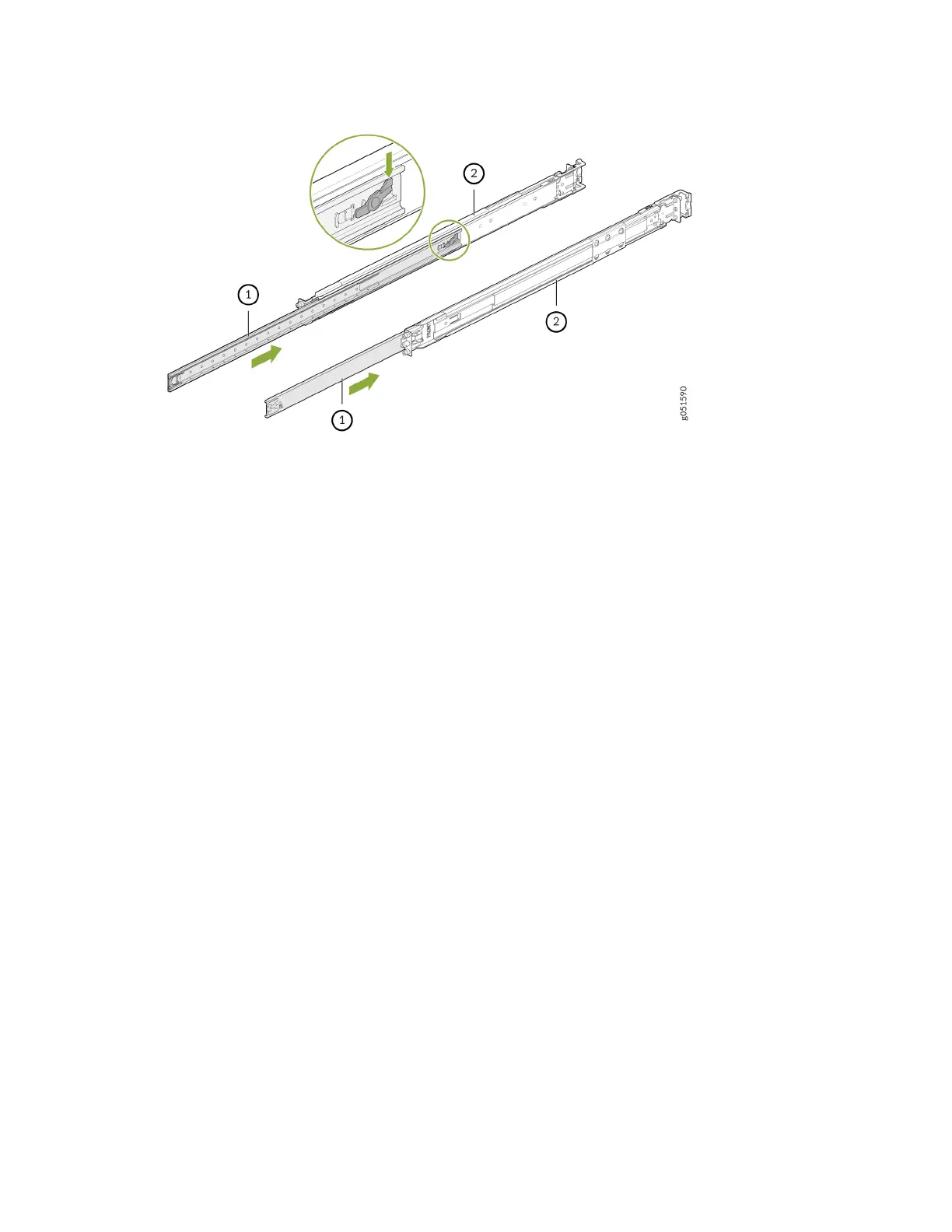
a. Slider rail
b. Outer rail
Install the Slide Rail Assembly in the Rack
1. Move the latch on the rear-end of the slide rail assembly to the open posion.
2. Align the rear end of slide rail assembly with the rear rack-post holes that you want to use.
The mounng pegs on the outer rail enter the rear rack-post holes from the inside of the rack post.
3. Push the outer rail rear mounng pegs into the rear rack-post holes. You will hear a click sound.
4. Move the latch to the close posion.
The outer rail rear-end wraps around the outside of the rear rack post.
4













 To Next Page