MULTICAL® 403
Kamstrup A/S · Technical description · FILE100000166_B_EN-55121689_M1_07.2023
14.4 Start of calibration
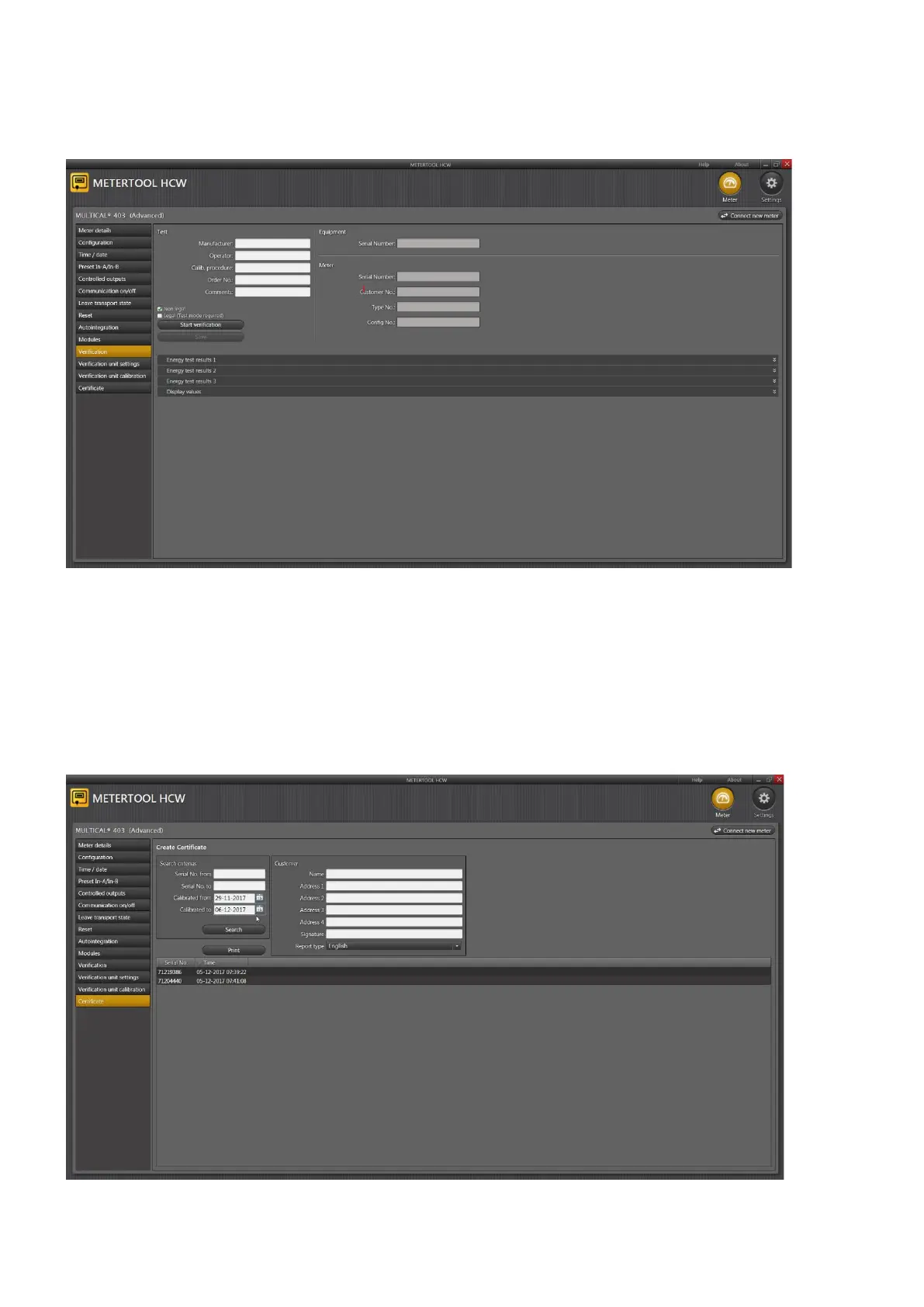
You open the calibration menu by activating “calibration” in the main menu.
Click on ”Start calibration” in order to start test/calibration.
When the test has been completed, the result is displayed. Click on ”Save” in order to save the result in the database
under the calculator’s serial number. You can save several results under one serial number without overwriting
earlier results.
14.5 Printing of certificate
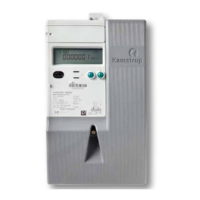
If you want to print a certificate with saved results, select “Certificate” in the menu. The result of test/calibration can
be found under the serial number, and a certificate can be printed.













 To Next Page