Kavo 3D eXam ® Operators’ Manual
K990400 16 April 2008
9-2
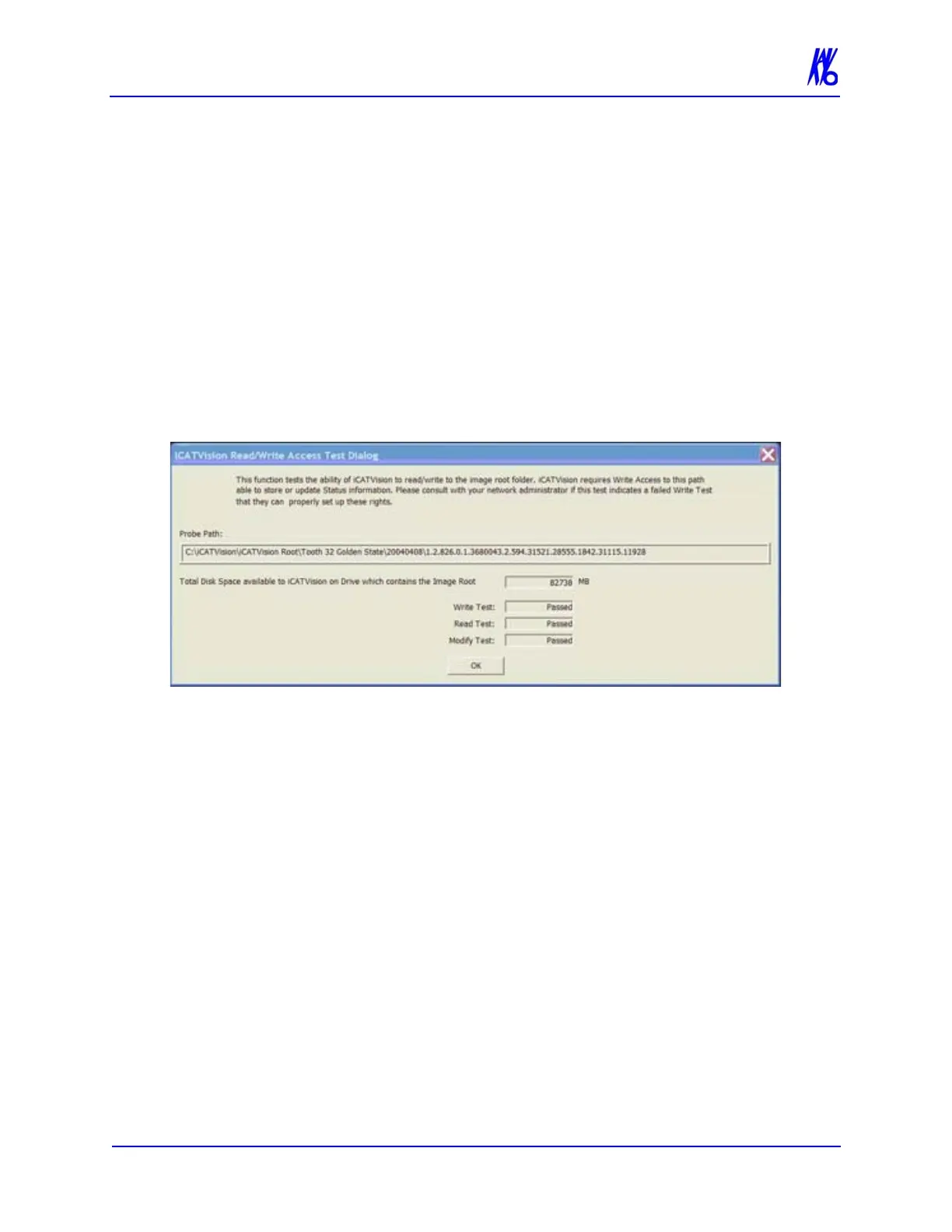
Check Read/Write Access to Image Database
This function tests the ability of Vision to read/write to the image
root folder. Vision requires Write Access to this path to store or
update Status information. Also displayed is the total disk space that
is available in the Image Root directory.
Please consult with your Network Administrator if this test indicates
a failure.
1. From Main menu, select Tools > Check Read/Write Access to
Image Database
The Read/Write Access Test Dialog window is displayed.
2. Ensure that all tests have passed. Click OK to close.
Export DICOM
DICOM (Digital Imaging and Communications) in Medicine, is an
industry standard for digital images which is a means for medical
imaging products to share images.
The following process demonstrates how to convert patient data
files into DICOM images for export.
To Export DICOM:
1. Click (highlight) a patient from the Study List. Allow time for
the Patient Image to load.



 To Next Page