Kavo 3D eXam ® Operators’ Manual
K990400 16 April 2008
B-12
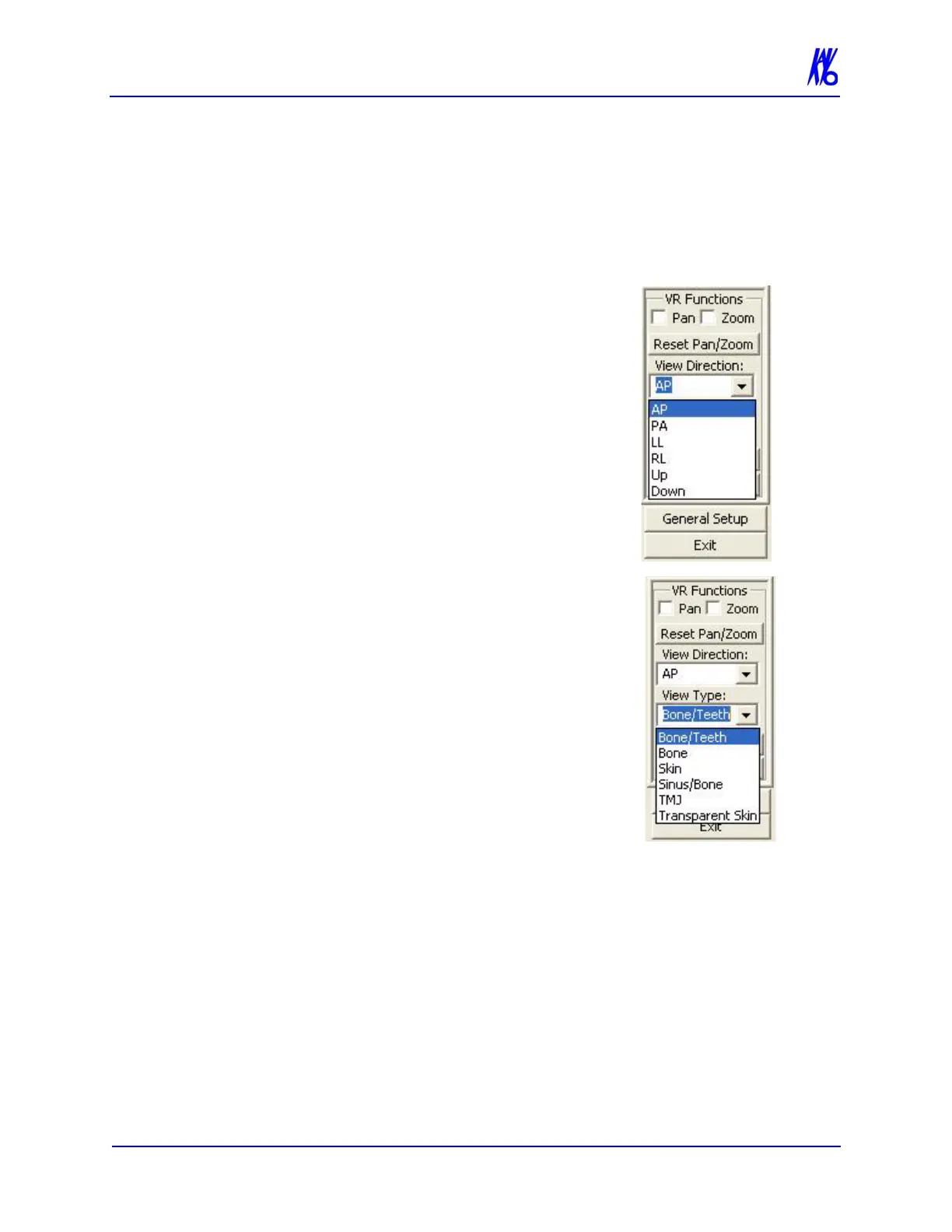
VR Functions
VR Functions (Volume Rendering) is a tool used for selecting the
type of 3D image to create.
To Create a 3D Image:
1. From the first View drop-down menu select
a direction to display. The choices are:
• AP (Anterior Posterior)
• PA (Posterior Anterior)
• LL (Left Lateral)
• RL (Right Lateral)
• Up
• Down
2. From the second View drop-down menu
select the type of display. The choices are:
• Bone/Teeth
• Bone
• Skin
• Sinus/Bone
• TMJ
• Transparent Skin
3. Click the Calculate VRT button.
This displays the 3D image (upper right
box.)



 To Next Page