Kavo 3D eXam ® Operators’ Manual
K990400 16 April 2008
5-4
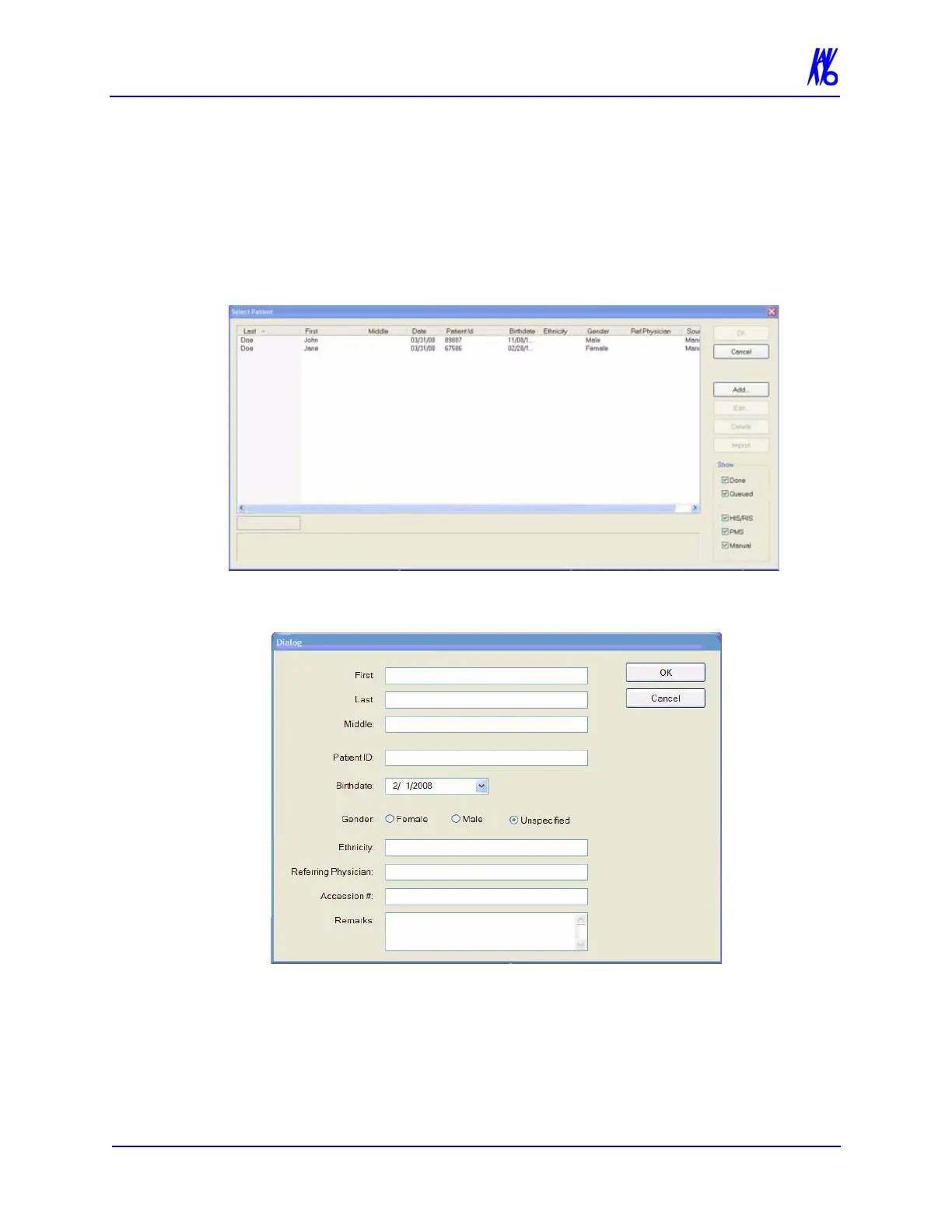
Add New Patient
To add a new Patient
1. From the Main menu, select File > New Patient or right click an
existing image from Patient Study list and select Acquire New
Scan.
2. Click Add . . . button.
3. Enter Patient data in the corresponding fields as applicable.
• A unique Patient ID must be added, such as a Patient file
number or social security number.



 To Next Page