Kavo 3D eXam ® Operators’ Manual
K990400 16 April 2008
8-2
• Coronal View - double-click displays the MPR Screen.
• Axial View - double-click displays the TMJ Screen.
Detail screens can also be selected from the
Screen menu accessed from the top menu
bar. This enables movement from one detail
screen to another without having to access
the Preview screen.
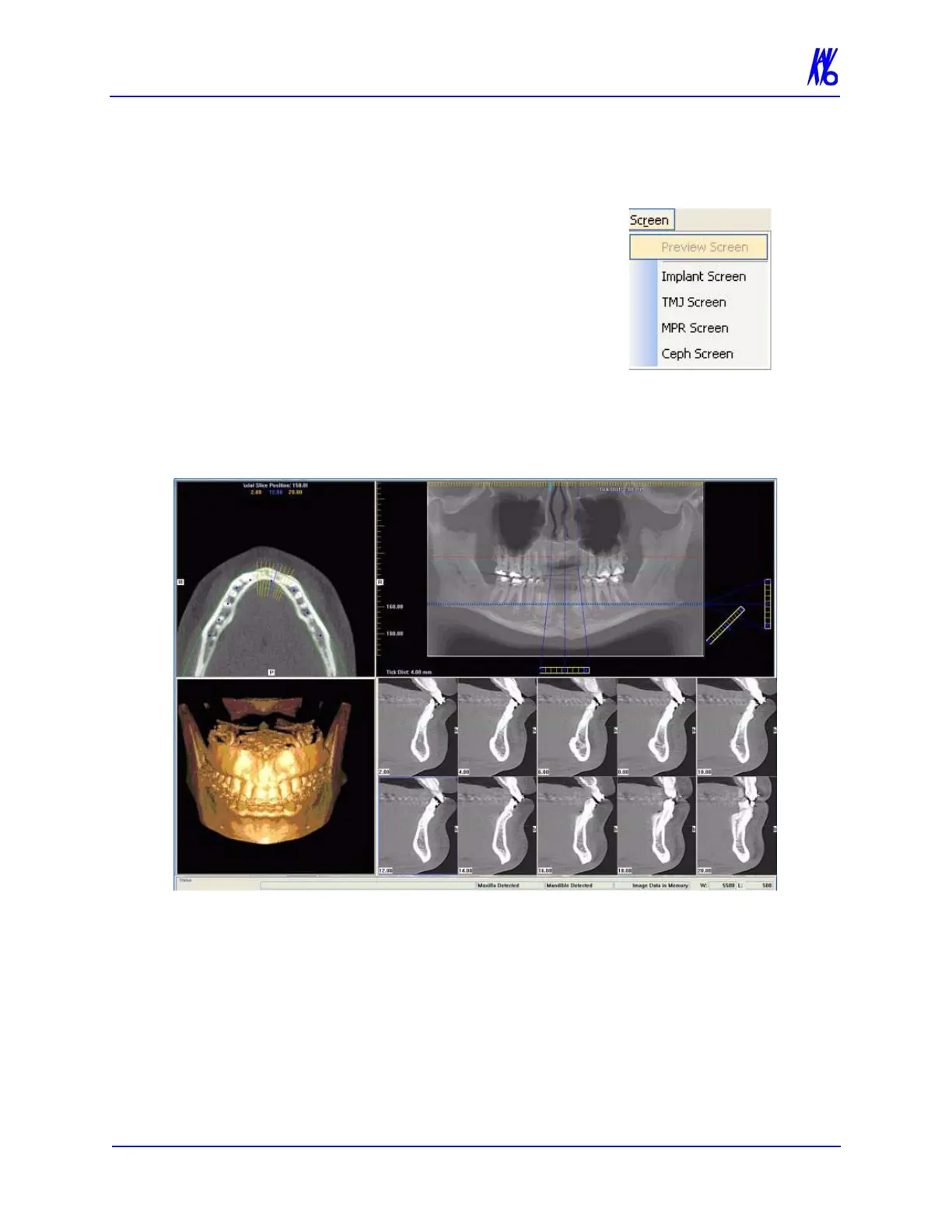
Implant Planning Screen
Double-clicking the Panoramic View on the Preview Screen
displays the Implant Planning Screen.
The Implant Planning Screen is divided into four viewing areas:
• Axial Slice Position View (upper left) used to adjust the
panoramic map view (upper right). The mouse scroll wheel
is active to scroll through the slices.
• Panoramic Map View (upper right) used to modify the
position of the axial views (which are represented on the



 To Next Page