Kavo 3D eXam ® Operators’ Manual
K990400 16 April 2008
8-14
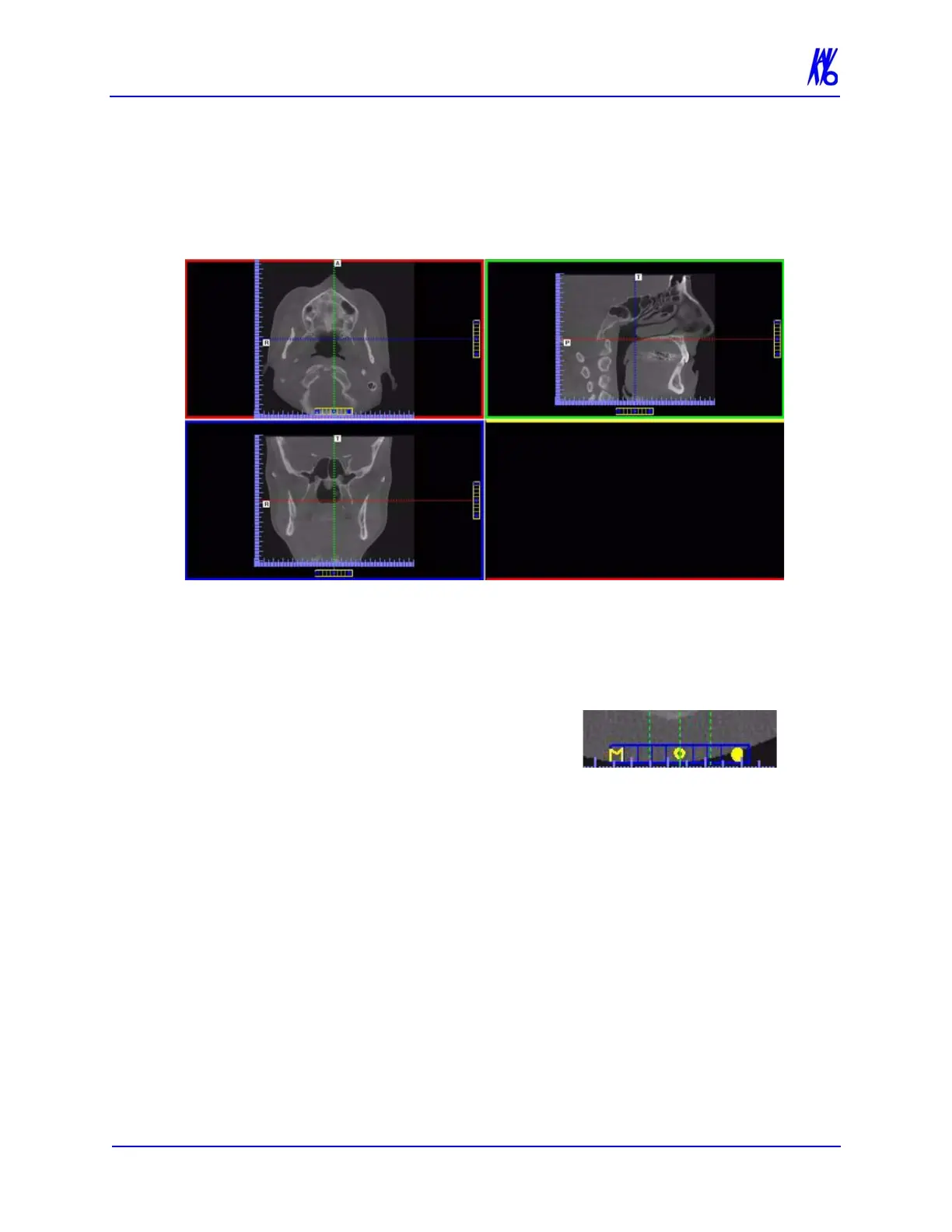
MPR Screen
Double-clicking the Coronal View on the Preview Screen displays
the MPR Screen.
The MPR Screen allows scrolling through the Axial (upper left),
Sagittal (upper right), and Coronal (lower left) slices. The resulting
selections are displayed in the lower right view of the MPR Screen.
The mouse scroll wheel is active to scroll through the slices.
To use the MPR Screen:
1. To move the slice location, drag
the hollow circle (center of tool) in
any of the views. The slice lines are color coded to correlate to
the associated view that it is adjusting.
2. To adjust the slice thickness, click the solid circle (end of tool)
and drag the mouse to spread or tighten slice thickness.



 To Next Page