Kavo 3D eXam ® Operators’ Manual
K990400 16 April 2008
15-2
Import Installation and Setup
If the PDI.dll has not been installed, unzip the PDI folder and place
the PDI.dll in the same folder where the VisionQ.exe resides. The
PDI.dll must be in place before setup can continue.
Determine which interface type, DICOM Worklist or PM, is to be
used for import, and follow the appropriate setup procedure below.
Set Up DICOM Worklist Interface
1. Start VisionQ.
2. From the VisionQ Main menu, select File > New Patient.
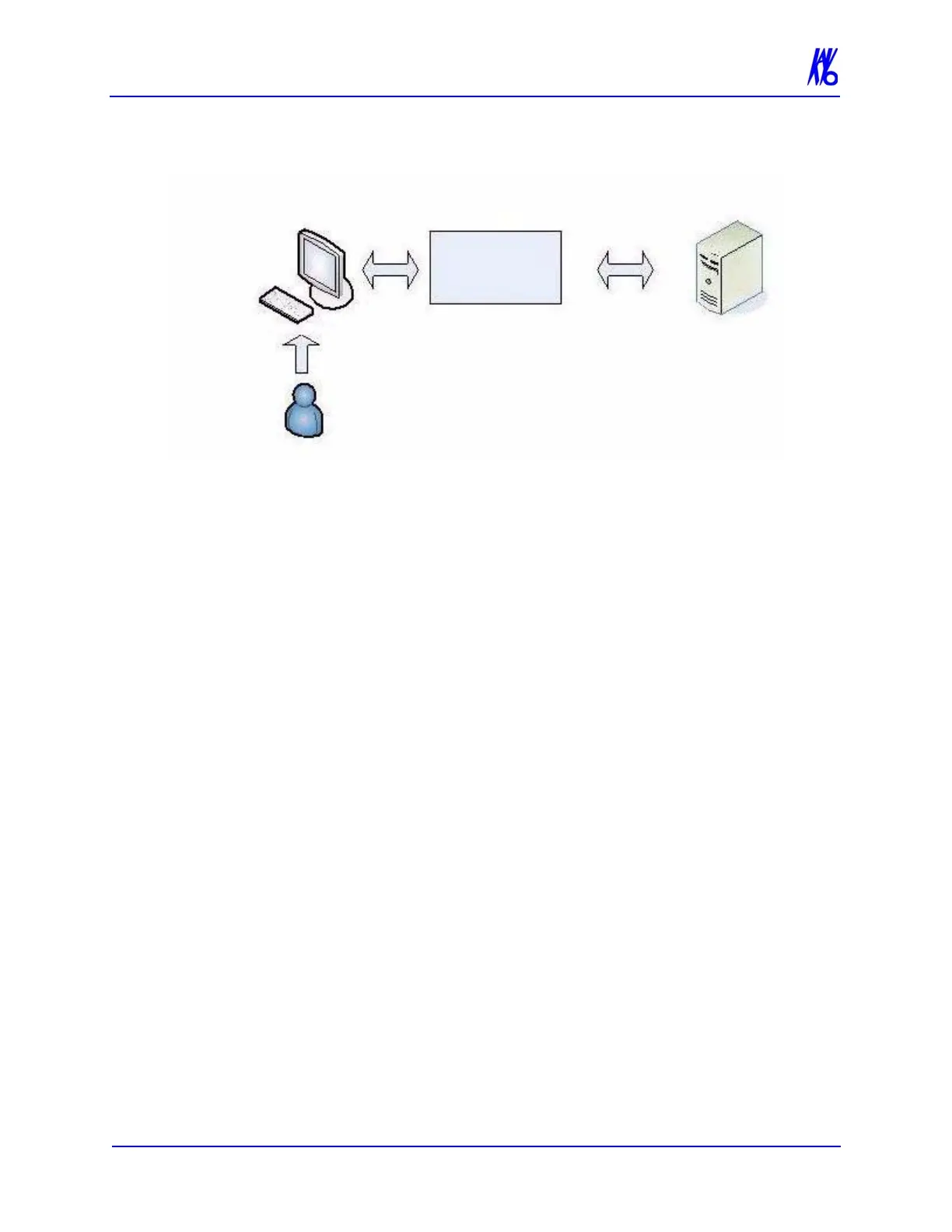
PDI Service
Class User
VisionQ
(1) “Process”
command
issued
(2) Request issued
(3) Request received
(4) Patient data sent
(5) Response received
Remote
Server



 To Next Page