K990400 16 April 2008
Remote System Import and Export
15-5
Import Patient Data
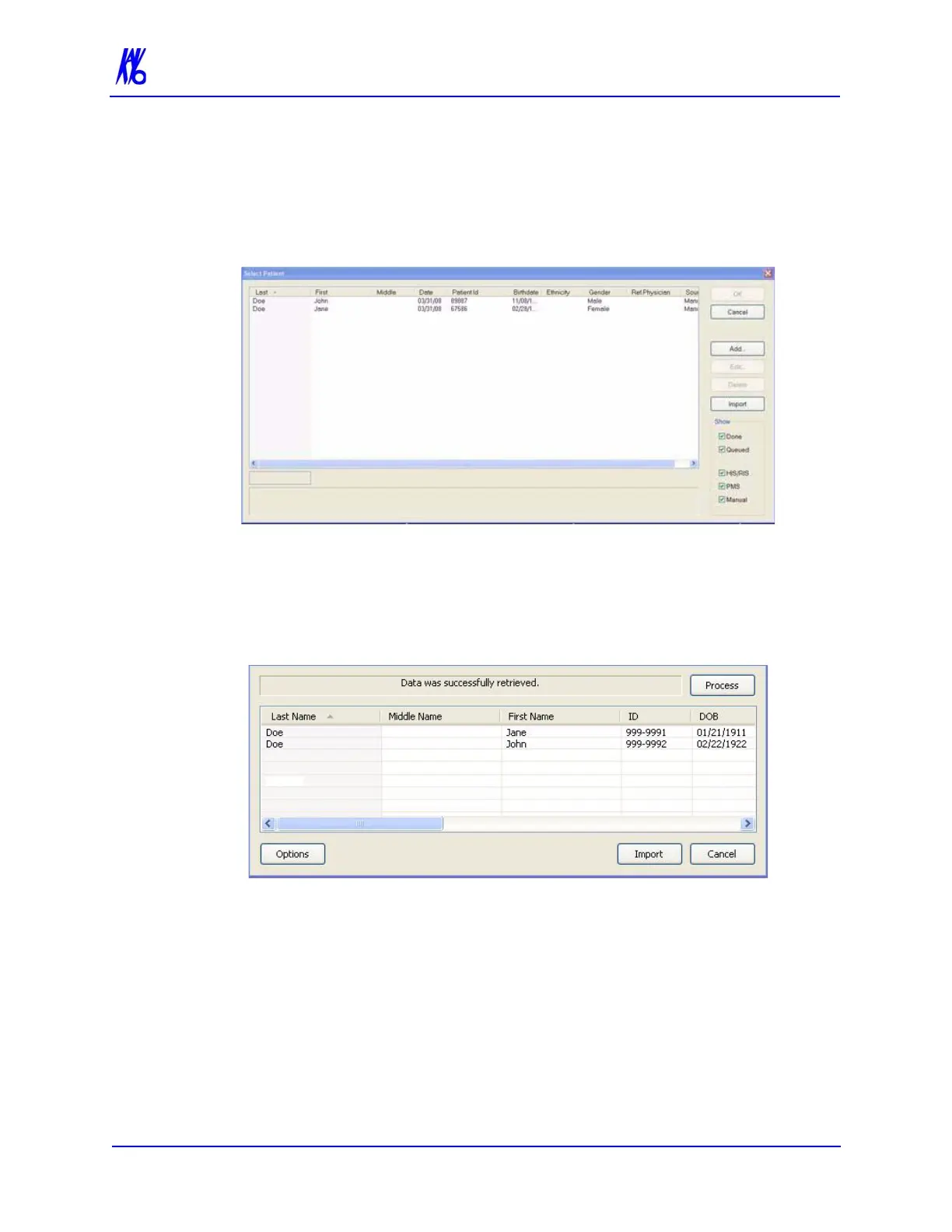
1. From the VisionQ Main menu, select File > New Patient.
2. Click Import.
3. On the Patient Importer screen, click Process. Patient data is
retrieved from the remote system and listed at the bottom of the
screen.
4. Select (highlight) a patient on the list and click Import.
5. The Acquisition screen is displayed for the selected patient.



 To Next Page