K990400 16 April 2008
Reconstruction of Anatomy
7-13
Taking Measurements
Hounsfield Units
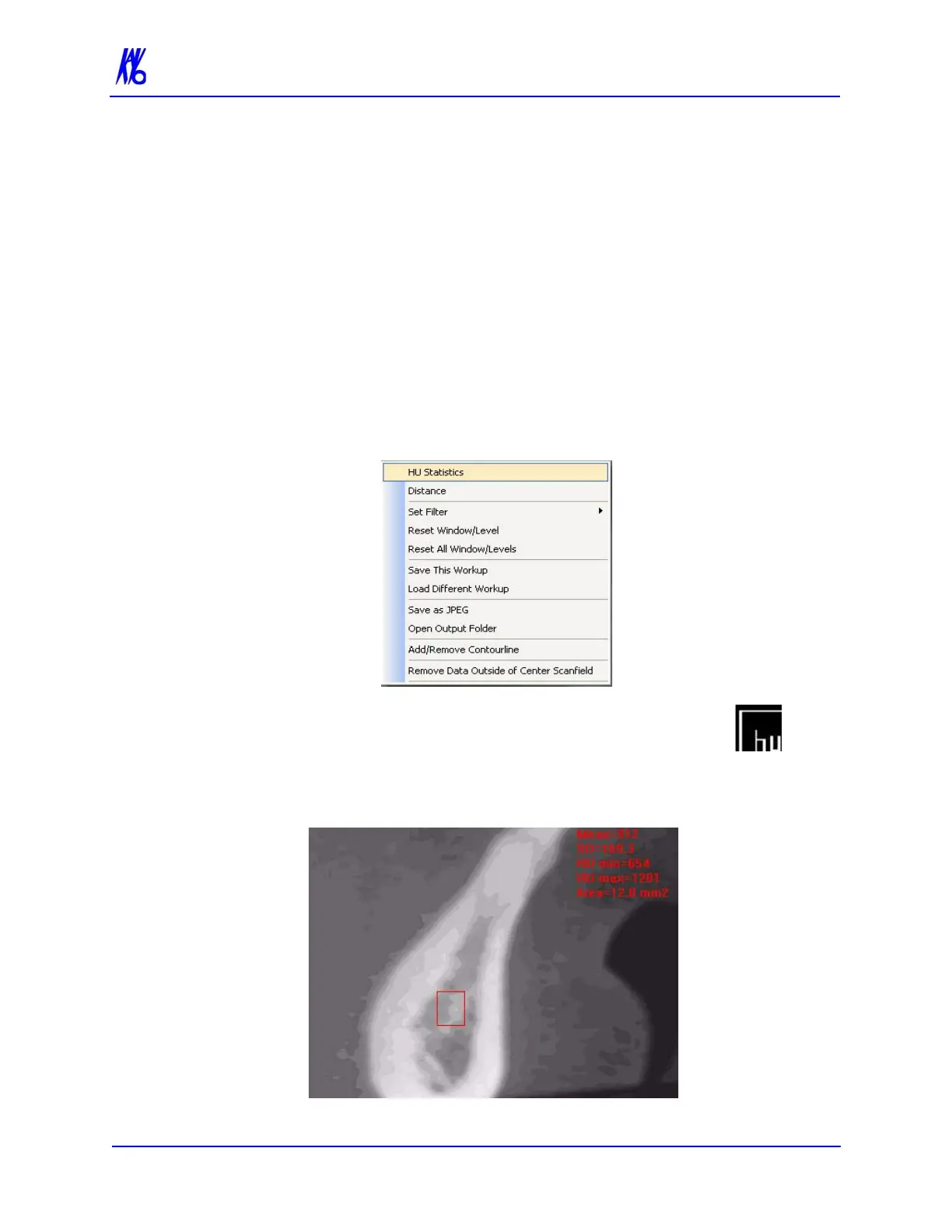
The system software allows making measurements in Hounsfield
Units (Shape Region) for all image views. These measurements
calculate and display the average (Mean) grayscale level of the area
enclosed from -1000 to 3000 (where 0 equals the density of water).
The Standard Deviation is also calculated, where the smaller the
number, the closer each shade of gray is in density to the others in
the enclosed area.
1. To make an HU measurement, right click image and select HU
Statistics.
The menu closes and the cursor changes to the hu
measurement symbol.
2. Click, drag, and click to define an area. Measurement
statistics appear in the upper right corner of the image.



 To Next Page