Kavo 3D eXam ® Operators’ Manual
K990400 16 April 2008
7-14
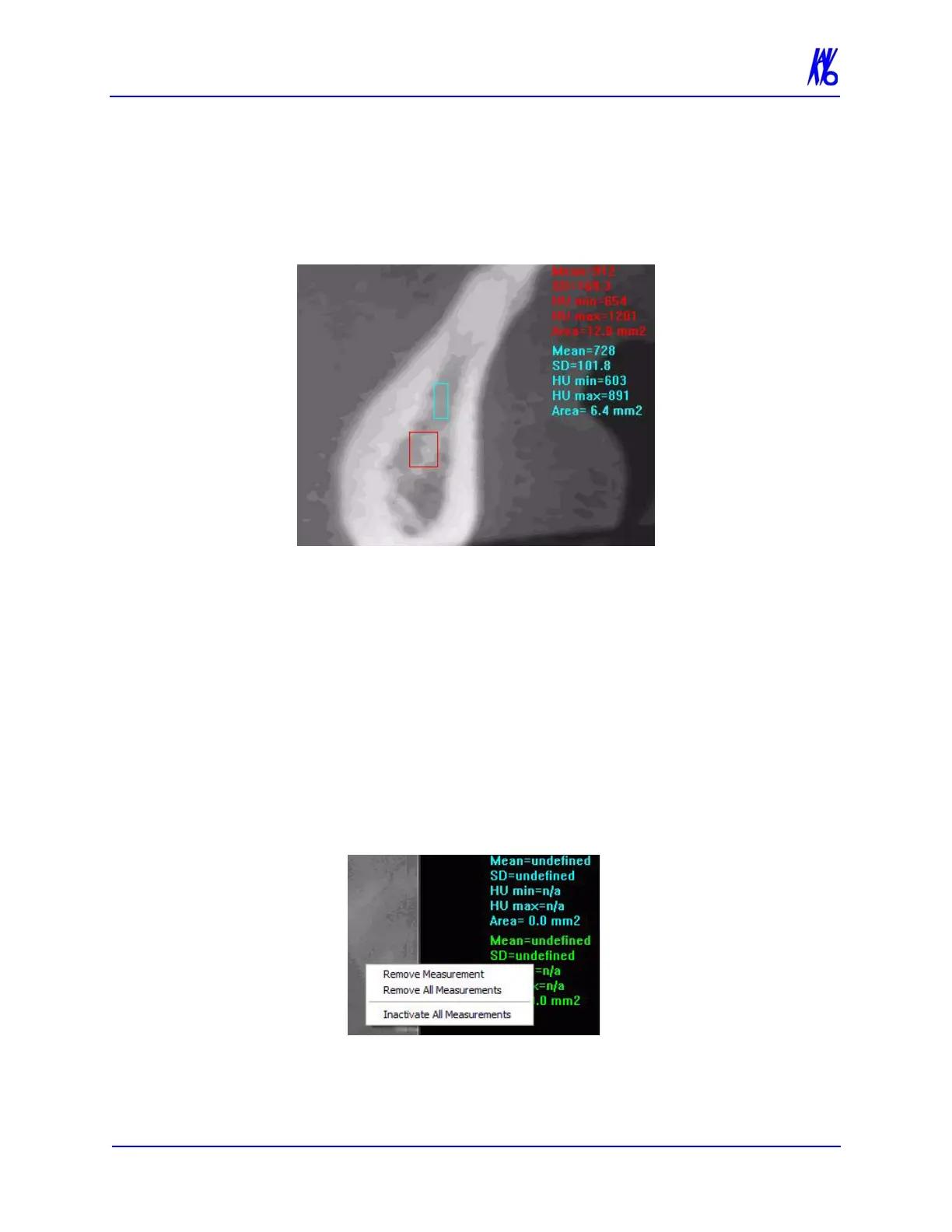
3. Repeat steps 2 and 3 to take additional measurements. A
maximum of four HU measurements can be taken at a time in a
normal view and two in a cross section view. Additional
measurements are displayed in varying colors so that they can be
easily associated with the selected image area.
To switch off the hu cursor:
1. Right click the image. A popup window appears.
2. Click HU Statistics on the popup menu. The menu closes and
the cursor reverts to the default cursor.
Measurements can be selectively removed from a view as
desired. All measurements can also be deactivated/reactivated
for a view.
To remove a specific measurement:
1. Right-click the measurement that is to be removed.
2. Select Remove Measurement from the popup menu.
Remove All Measurements - removes all measurements from
selected view.



 To Next Page