K990400 16 April 2008
8-1
Chapter
8
Detail Screens
Preview Screen
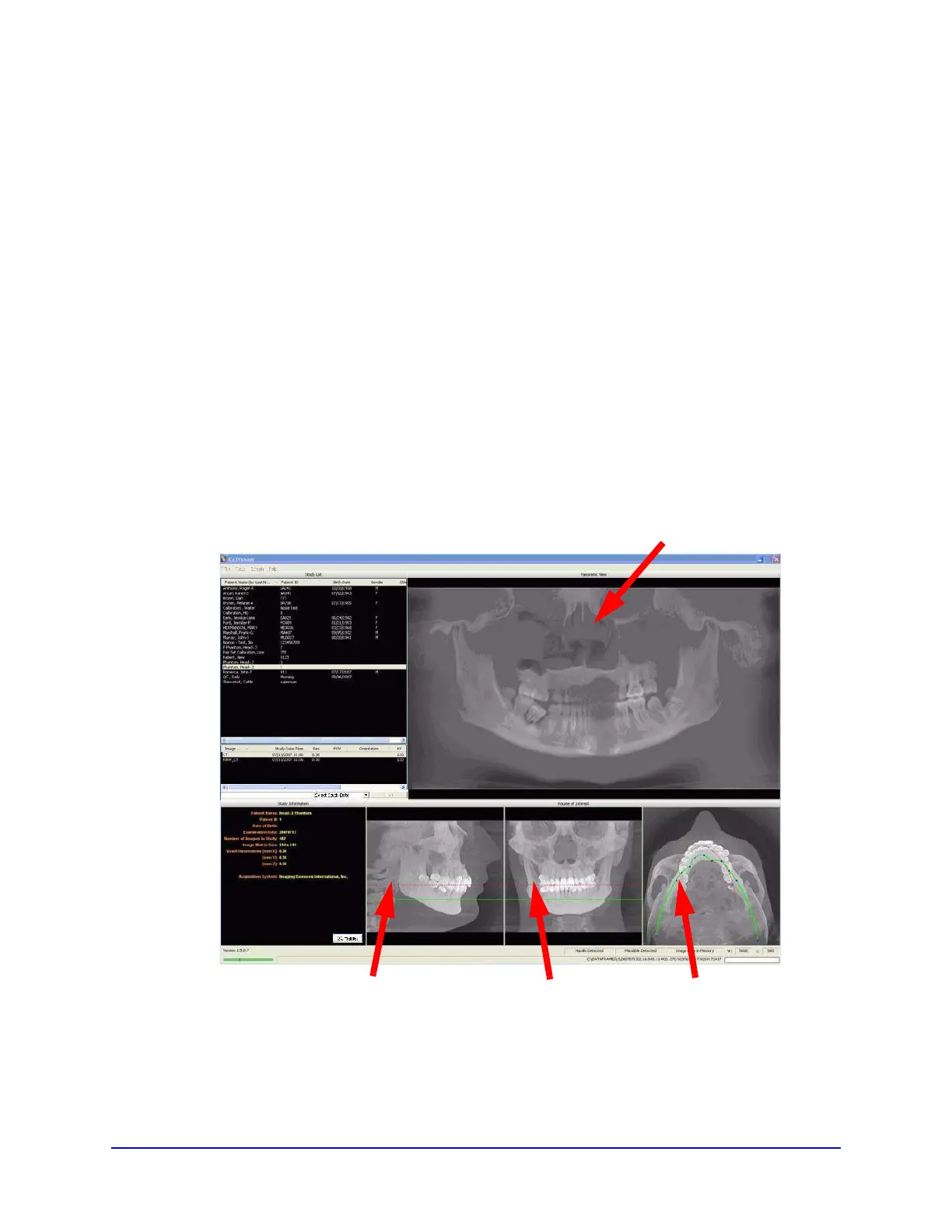
All Detail Screens are accessed by double-clicking a corresponding
view on the Preview Screen. To correlate the mouse position on the
Preview screen to the Sagittal, Coronal, and Axial views, hold down
the C key on keyboard and move the mouse. A yellow mark shows
the correlated positions on the other views.
• Panoramic View - double-click displays the Implant
Planning Screen.
• Sagittal View - double-click displays the Ceph Screen.
SAGITTAL VIEW CORONAL VIEW AXIAL VIEW
PANORAMIC VIEW



 To Next Page