Kavo 3D eXam ® Operators’ Manual
K990400 16 April 2008
B-6
Identify
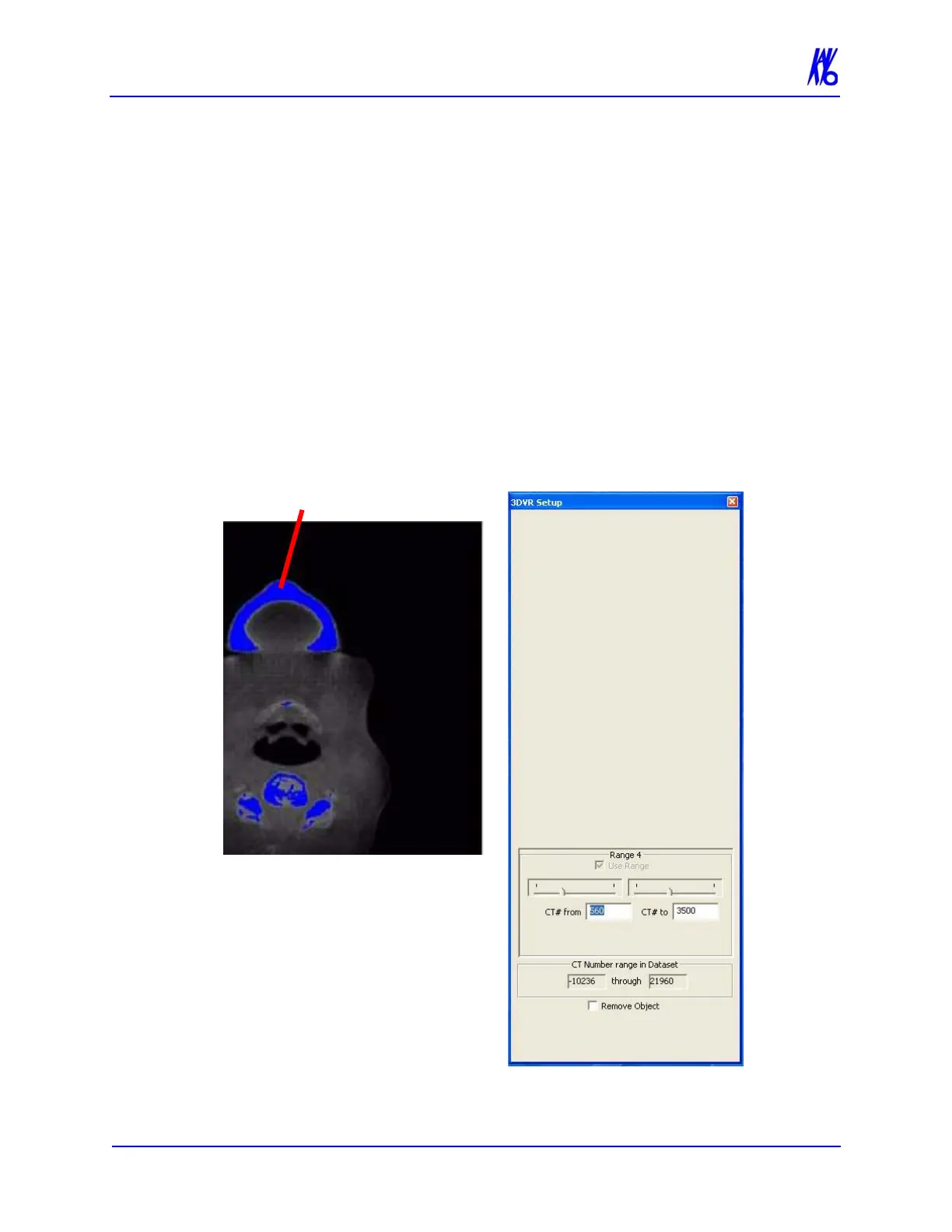
The Identify tool identifies areas of interest at different densities.
It is defaulted to detect the most dense anatomy or material.
This tool is often used to remove a piece of anatomy from the
image. One major use is to remove the Patient Chin Cup that
may appear in the scan. See the sample below (Patient Chin Cup
highlighted in blue.)
To activate Identify tool:
1. Click Identify Box.
The 3DVR Setup window is displayed and the dense material in
the Axial window is highlighted in blue.
2. Drag cursor on 3D image to rotate.



 To Next Page