K990400 16 April 2008
Managing Patient Data
5-5
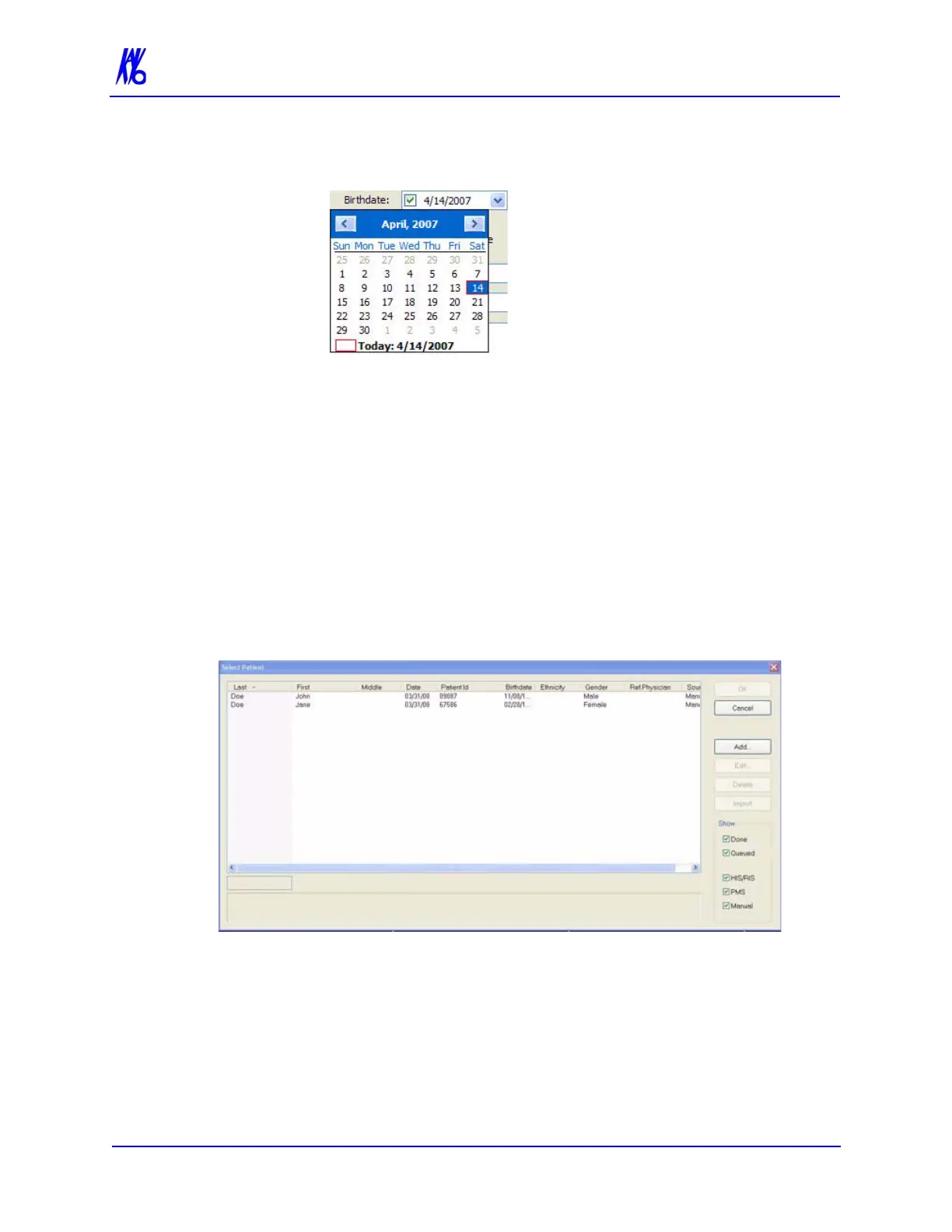
• Click the Birthdate drop-down to display the calendar tool.
Although dates may be manually entered, it is recommended that the
calendar tool be used in order to avoid data entry errors.
4. Click OK to add Patient data.
5. Click Cancel to close the dialog box or click OK to access the
acquisition screen to start the patient scan.
Edit Patient Details
To edit Patient details:
1. From the Main menu, select File > New Patient.
2. If desired, limit the number of Patients listed by using the check
boxes in the Show area at the lower right side of the dialog box.
Only Patients whose data matches the selected criteria are
displayed.



 To Next Page