Kavo 3D eXam ® Operators’ Manual
K990400 16 April 2008
5-6
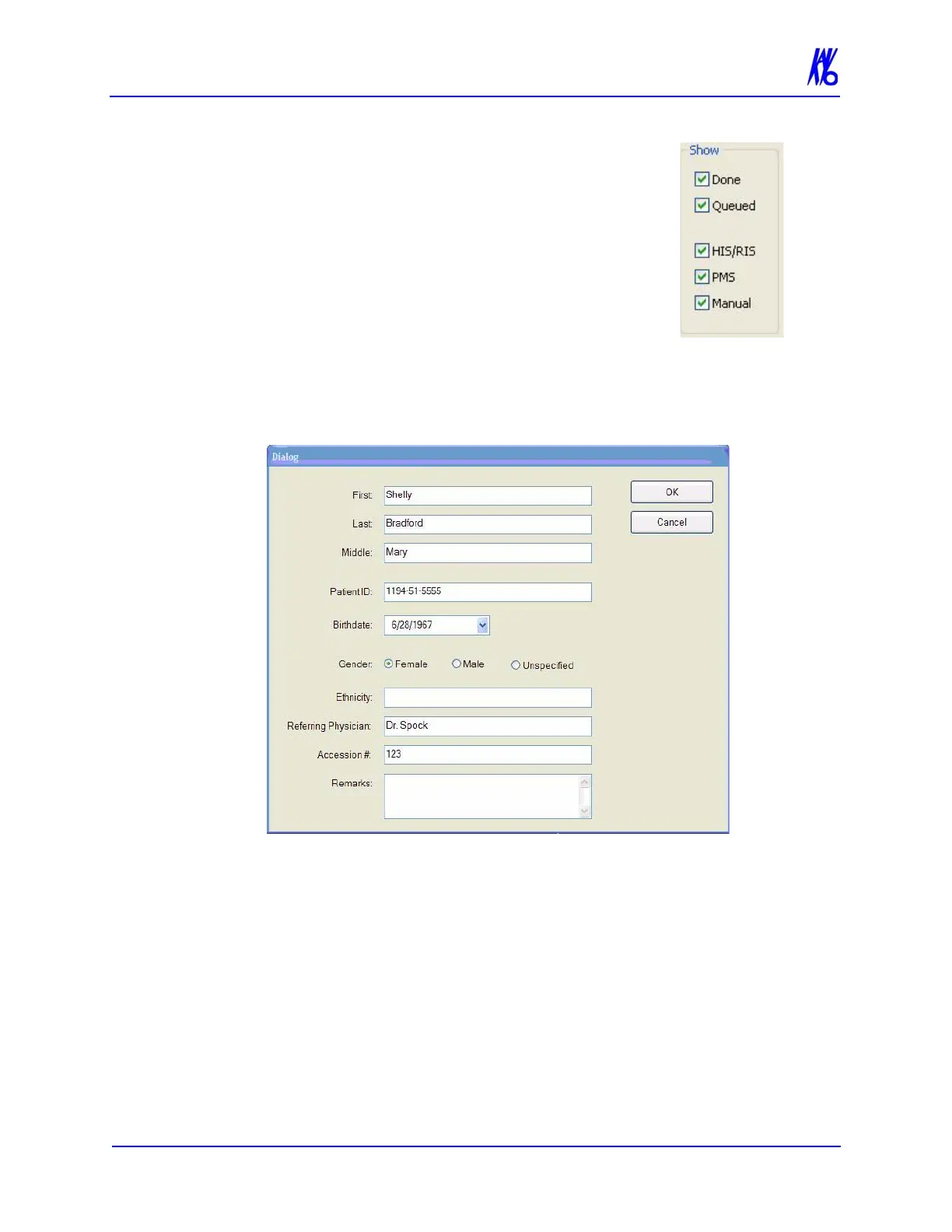
• Done - Patient Data entered and scanned
• Queued - Patient Data entered but not
scanned
• HIS/RIS - (Hospital Info System/Radiology
Info System) imported Patient Data
• PMS - (Practice Management System)
imported Patient Data
• Manual - Patient Data entered manually
3. Click (highlight) the Patient to modify.
4. Click Edit.
5. Modify Patient data as desired.
6. Click OK to update Patient data.
7. Click Cancel to close the dialog box or click OK to access the
acquisition screen to start the patient scan.



 To Next Page