K990400 16 April 2008
B-9
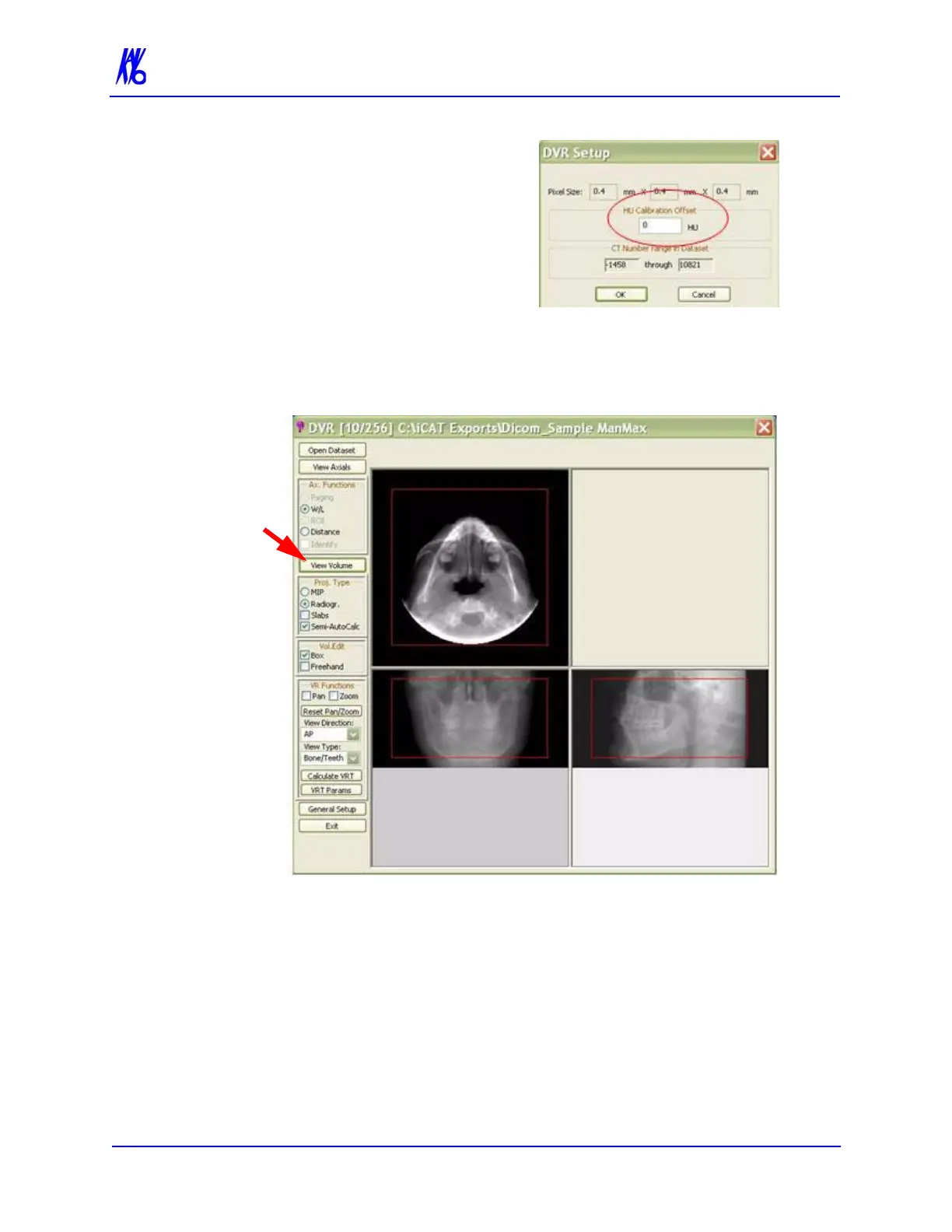
6. Enter Calculation Offset
which currently has a value
of 0.
7. Click OK.
View Volume
View Volume allows viewing all 3 projections of the 3D data: Axial,
Coronal and Sagittal. Also enables the creation of 3D Renderings.
Enable View Volume Tools, click the View Volume button.



 To Next Page