K990400 16 April 2008
Tools
9-3
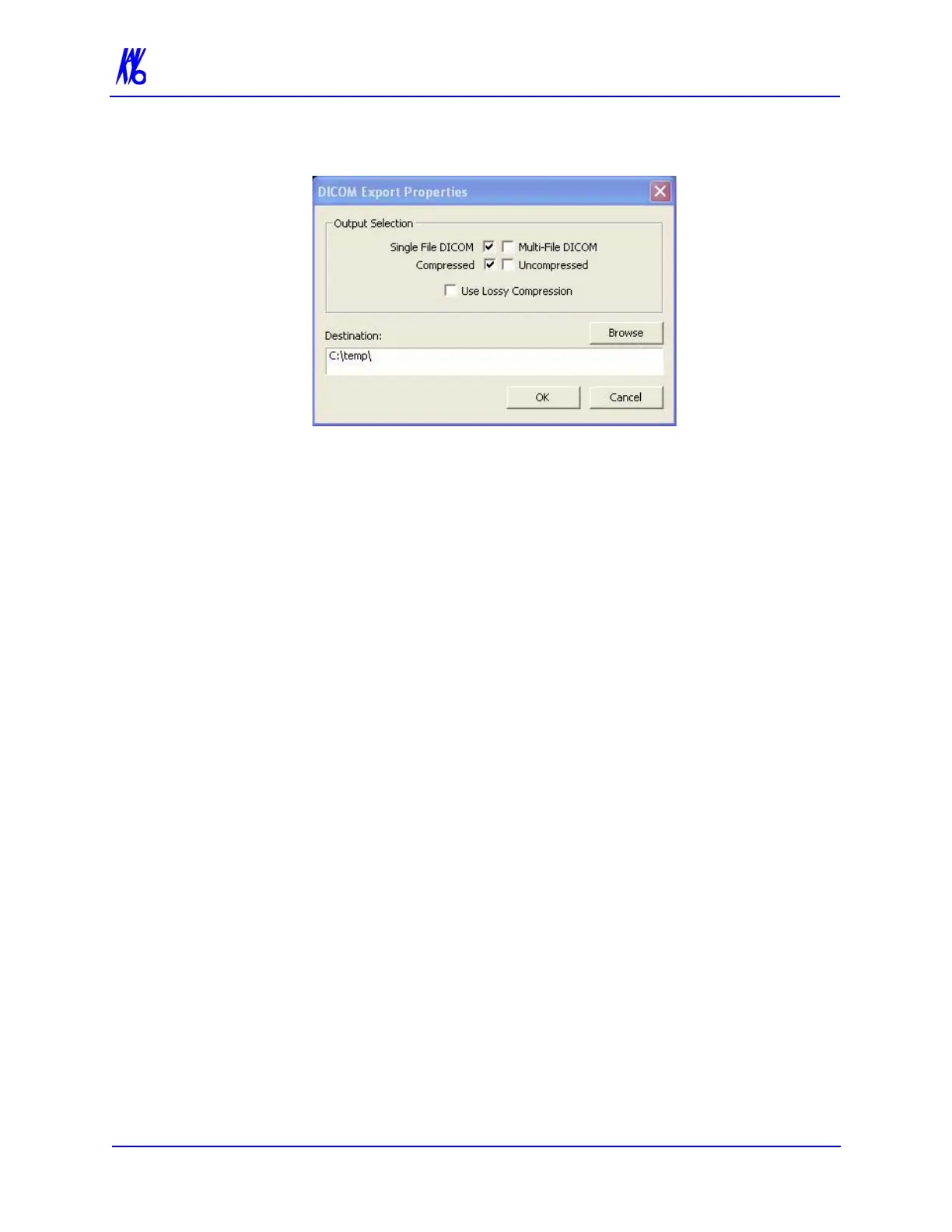
2. From the Main menu, select Tools > Export DICOM.
3. Select desired Output Selections.
• Single File DICOM - one large image file (recommended)
• Multi-File DICOM - a separate file for each image slice,
resulting in many small files. Some earlier model viewers
require this format.
• Compressed - files are compressed to save space (smaller
file size)
• Uncompressed - files are converted to DICOM and stored
(original file size)
• Use Lossy Compression - files are compressed using lossy
wavelet compression.
• The Destination field was setup at the start of this section.
4. Click OK. Done is displayed when the process is complete.
Create CD
The internal DVDR drive provides an alternative means for
archiving images or transferring patient images to referring
Physicians.
NOTE: It is recommended to use a blank CD for recording. Upon
completion of the writing process, verify that all required
information was written to the CD.



 To Next Page