K990400 16 April 2008
Managing Patient Data
5-3
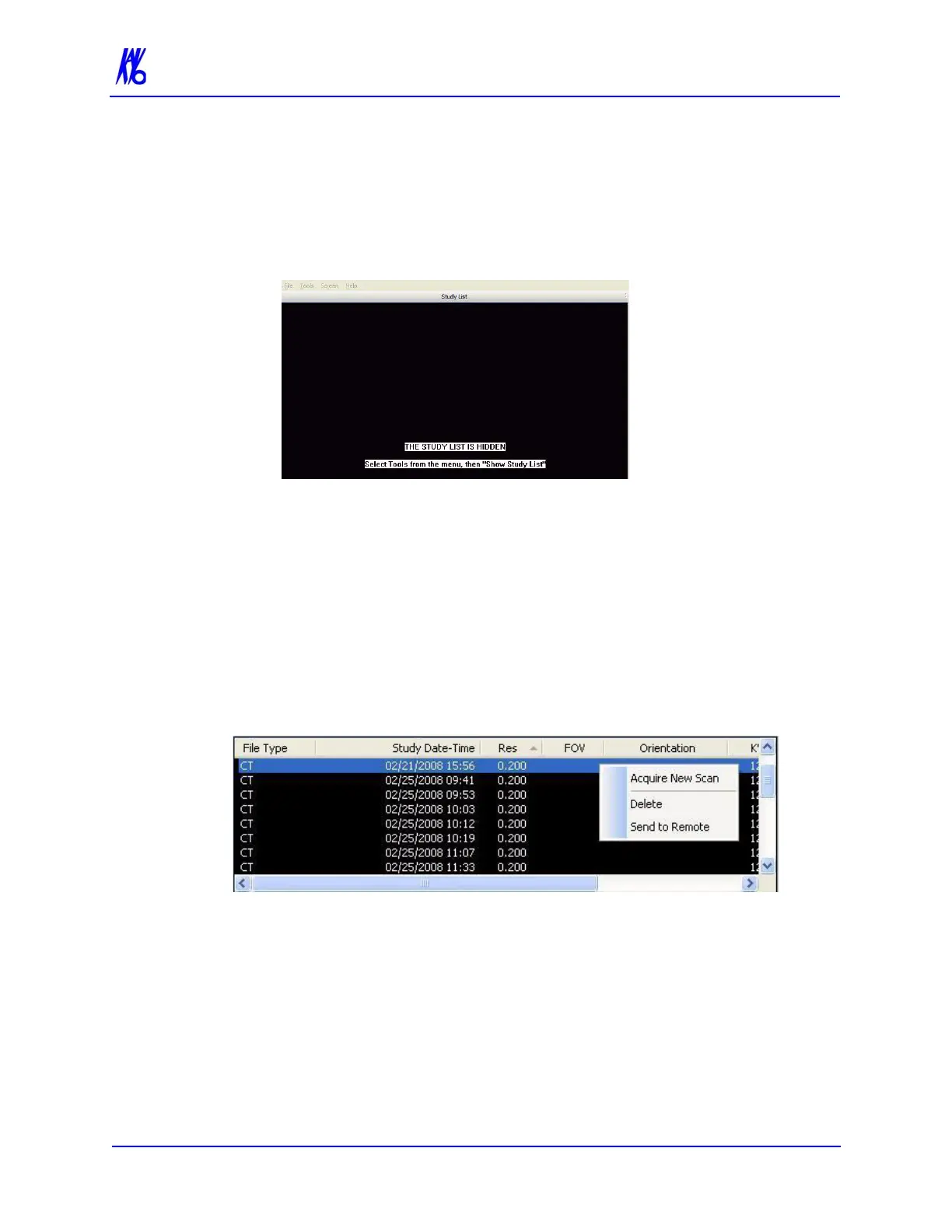
Hide/Display Study List
The Study List can be hidden by selecting Tools > Hide Study List
from the Main menu. When hidden, the Study List appears as shown
below.
To display the Study List, select Tools > Show Study List from the
Main menu.
Delete Patient Scans
To delete a Patient dataset:
1. With a Patient selected in the Study List, right-click on the scan
to be deleted and select Delete.
2. Click Yes to confirm deletion of Patient Dataset, including all
scans and workups. A second confirmation dialog is displayed.
3. Click Yes to confirm deletion.



 To Next Page