K990400 16 April 2008
Managing Patient Data
5-7
Access Patient Data
Access Patient Details to be Scanned:
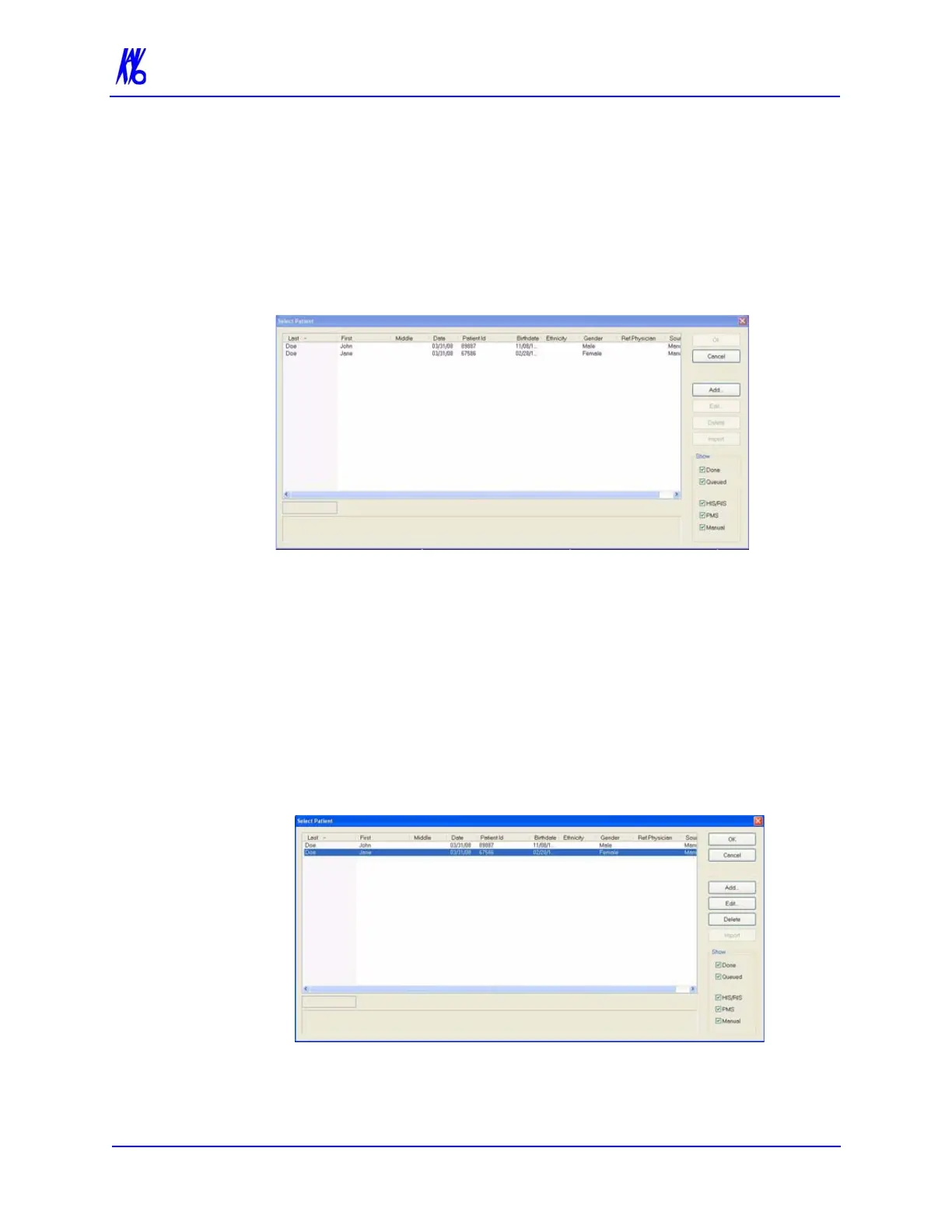
1. From the Main menu, select File > New Patient.
2. Highlight the Patient to be scanned and click OK or just double
click the patient line.
3. The Acquisition screen is displayed for the selected patient.
Delete a Patient
To delete an existing Patient:
NOTE: Deleting a Patient does not delete any of the Patient’s scan
data.
1. From the Main menu, select File > New Patient.
2. Click (highlight) the Patient to delete and click Delete.
3. Click Yes to confirm deletion of Patient from database.
4. Click Cancel to close dialog box.



 To Next Page