K990400 16 April 2008
Reconstruction of Anatomy
7-23
Viewing and Reconstructing Raw Patient Scans
Raw scan data that is displayed in the Patient Images section can be
reconstructed using different volume and resolution parameters, and
preview scans can be viewed and manipulated.
To Reconstruct Raw Images:
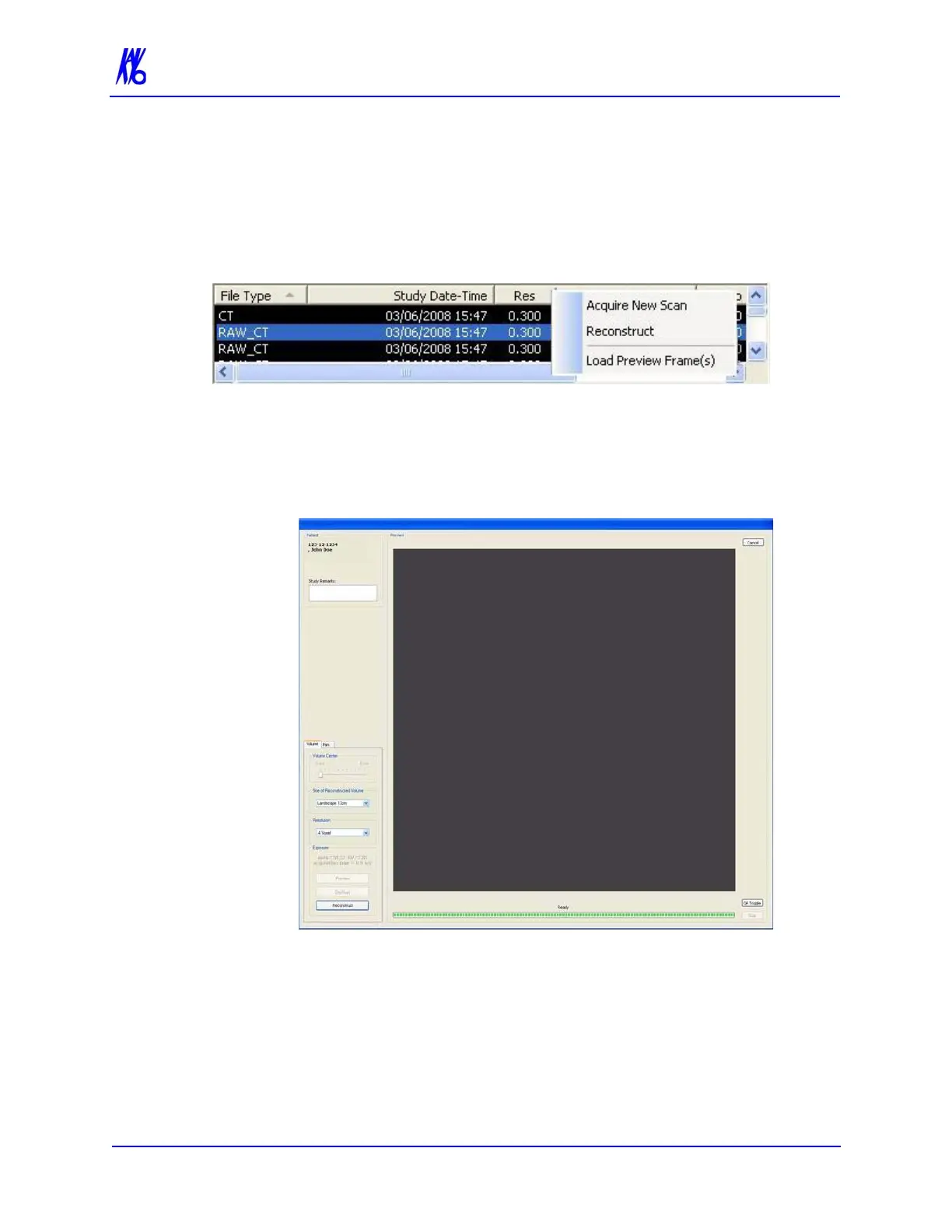
1. Right-click on Raw scan and select Reconstruct. Reconstruct
screen is displayed
2. Select the Size of Reconstruction Volume from the drop-down
menu. Sizes available for selection are limited based on the field
of view captured in the original scan.
3. Select a Resolution from the drop-down menu. Resolutions
available for selection are limited as follows:
• Scans taken at 0.3 or.0.4 can be reconstructed at 0.3 or 0.4.



 To Next Page