Kavo 3D eXam ® Operators’ Manual
K990400 16 April 2008
8-12
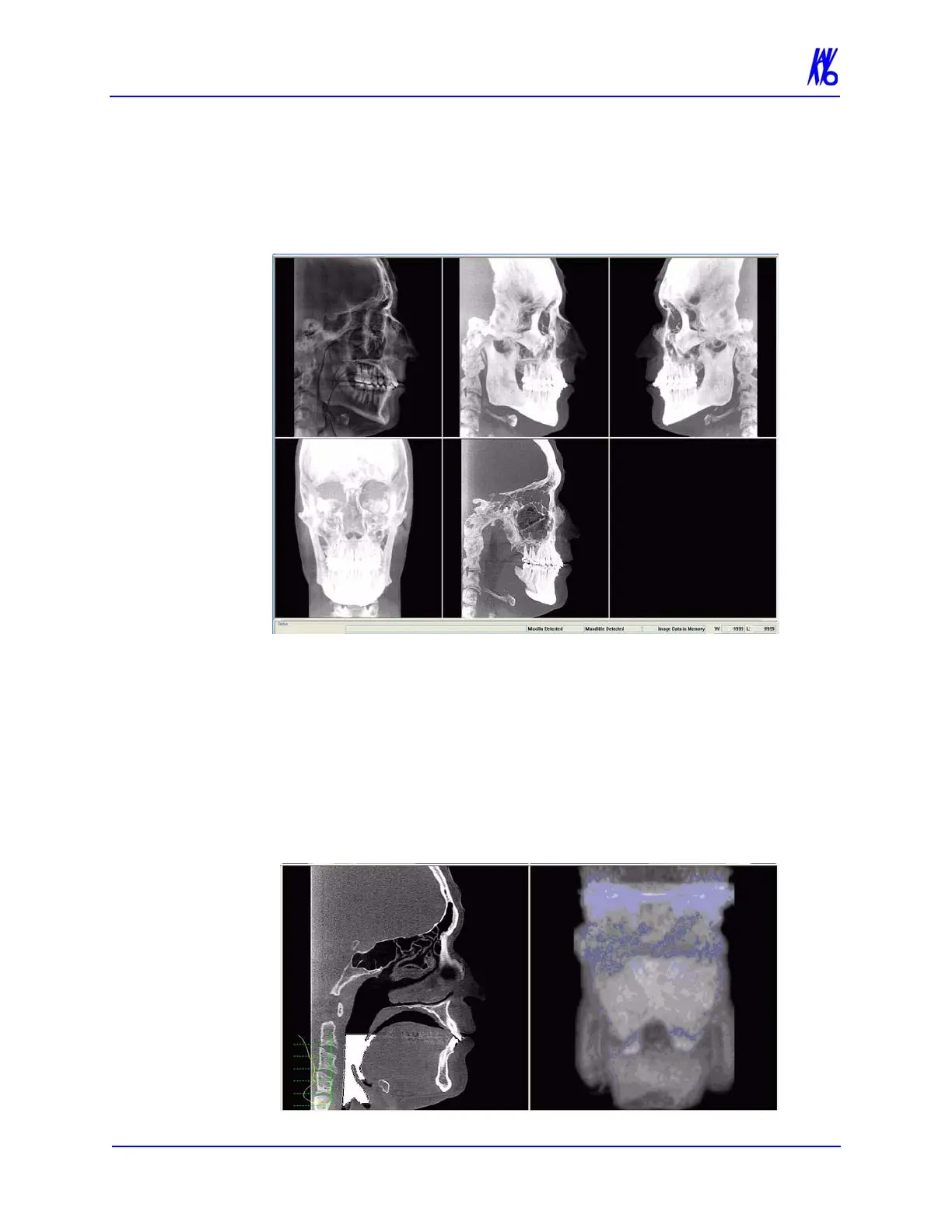
Ceph Screen
Double-clicking the Sagittal View on the Preview Screen displays
the Ceph Screen.
The Ceph screen displays the Lateral Cephs in Radiographic and
MIP mode as well as a Coronal View in MIP mode, all at the
thickness of the volume. The last image is a Mid Sagittal Slice at
20mm thick.
Right-clicking the blank view at the bottom right of the Ceph screen
displays a single item popup menu. Clicking Tag Airways generates
a 3D view of the airways for the patient in the blank view. In
addition, the tagged airway data is graphed in the view at the bottom
center of the Ceph screen.



 To Next Page