K990400 16 April 2008
Reconstruction of Anatomy
7-7
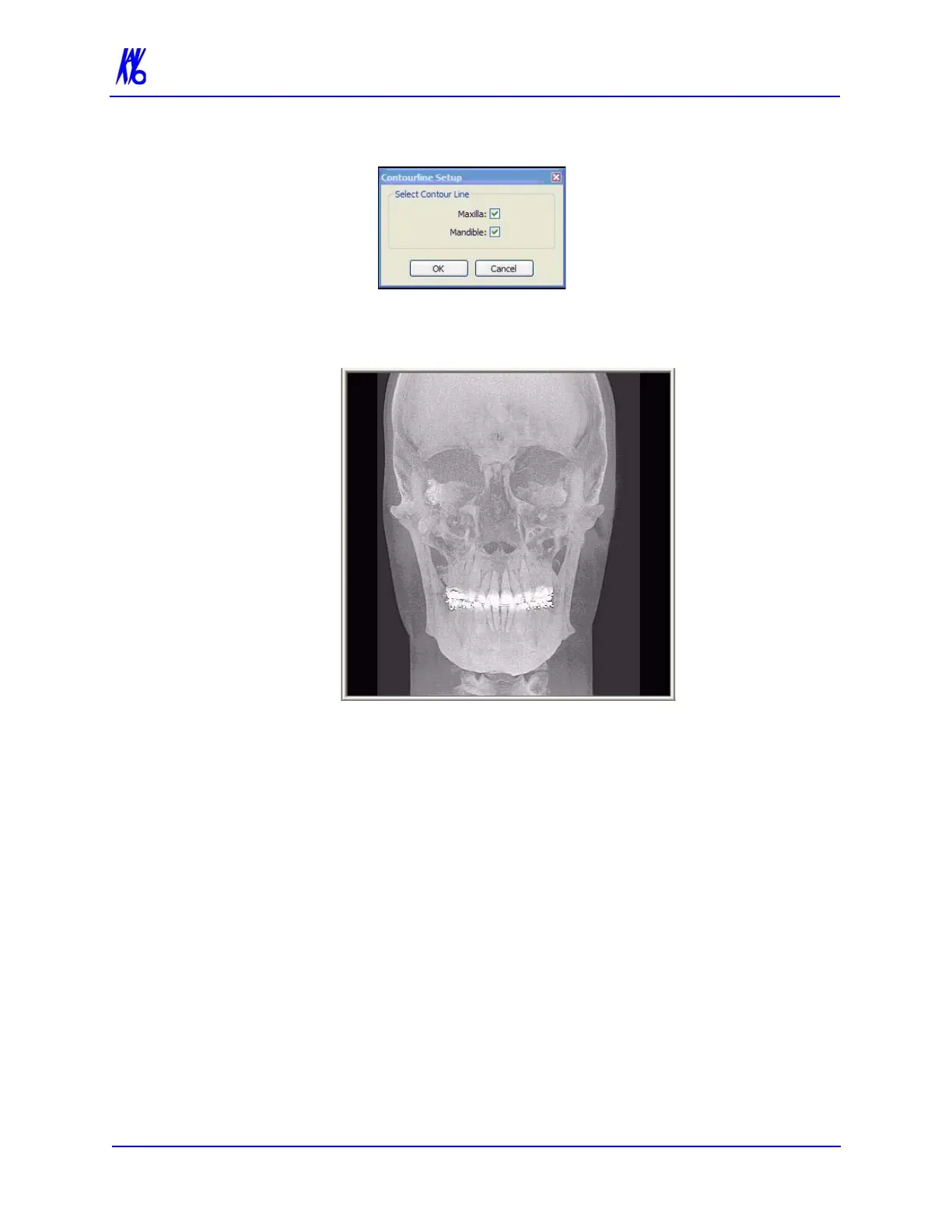
2. Click check boxes to add or remove Contourlines.
3. Click OK. The dialog box closes and the selected settings are
used for the Sagittal, Coronal, and Axial views.
Removing Circumference Artifacts
Circumference Artifacts are displayed in the Preview Screen as
horizontal lines in the Coronal and Sagittal views and a white partial
circle around the Axial View.



 To Next Page