Kavo 3D eXam ® Operators’ Manual
K990400 16 April 2008
7-6
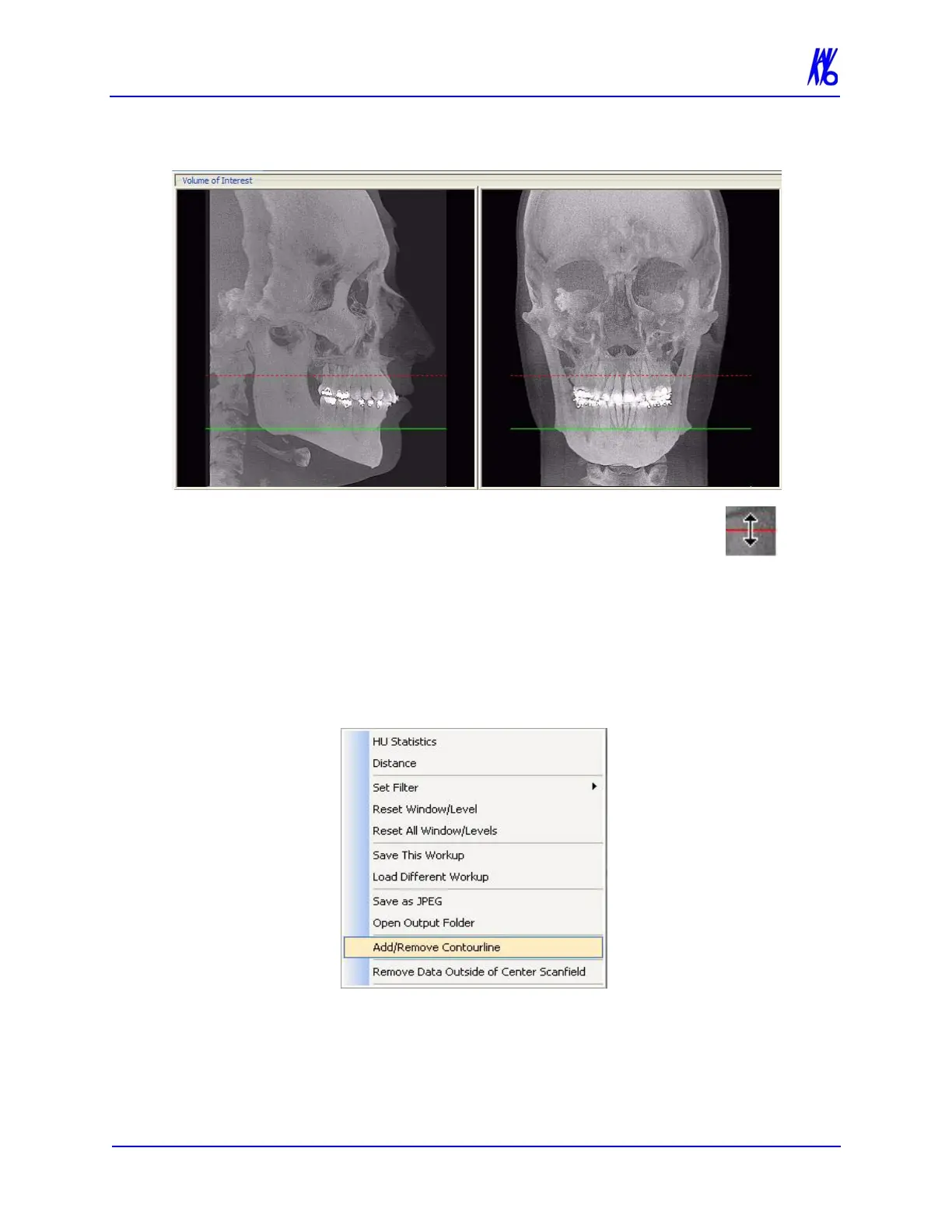
Both the Maxilla and Mandible Contourlines can be
repositioned with a click and drag to the desired location.
Clicking a Contour Line selects that line for use in
adjusting the Panoramic View via the Axial View.
One or both Contourlines can be added/removed from the Sagittal
and Coronal Views on the preview screen. To do this, do the
following:
1. On an image view on the Preview screen, right-click and select
Add/Remove Contourline.



 To Next Page