K990400 16 April 2008
Reconstruction of Anatomy
7-21
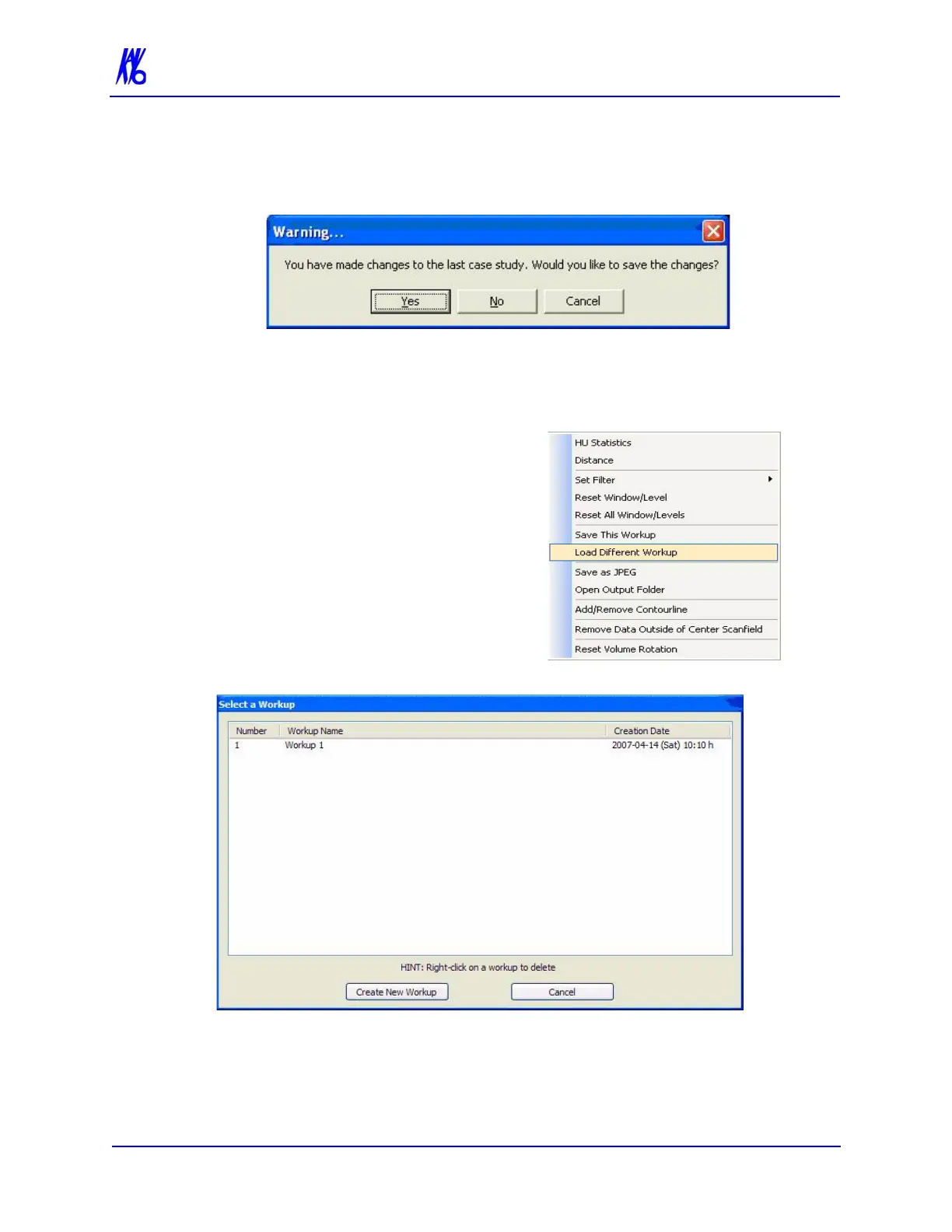
If a workup was made or changed and an attempt is made to
close the Vision software or switch to a different Patient, the
following dialog box appears.
To save the changes made, click Yes. The Select a Workup dialog
box appears. Continue the save procedure as described above.
Load an Existing Workup
To load an existing workup for a
Patient with multiple workups:
1. Right-click any image on
Preview screen and select
Load Different Workup.
2. Double-click Workup Name. The dialog box closes and the
existing workup is loaded.



 To Next Page