Kavo 3D eXam ® Operators’ Manual
K990400 16 April 2008
8-18
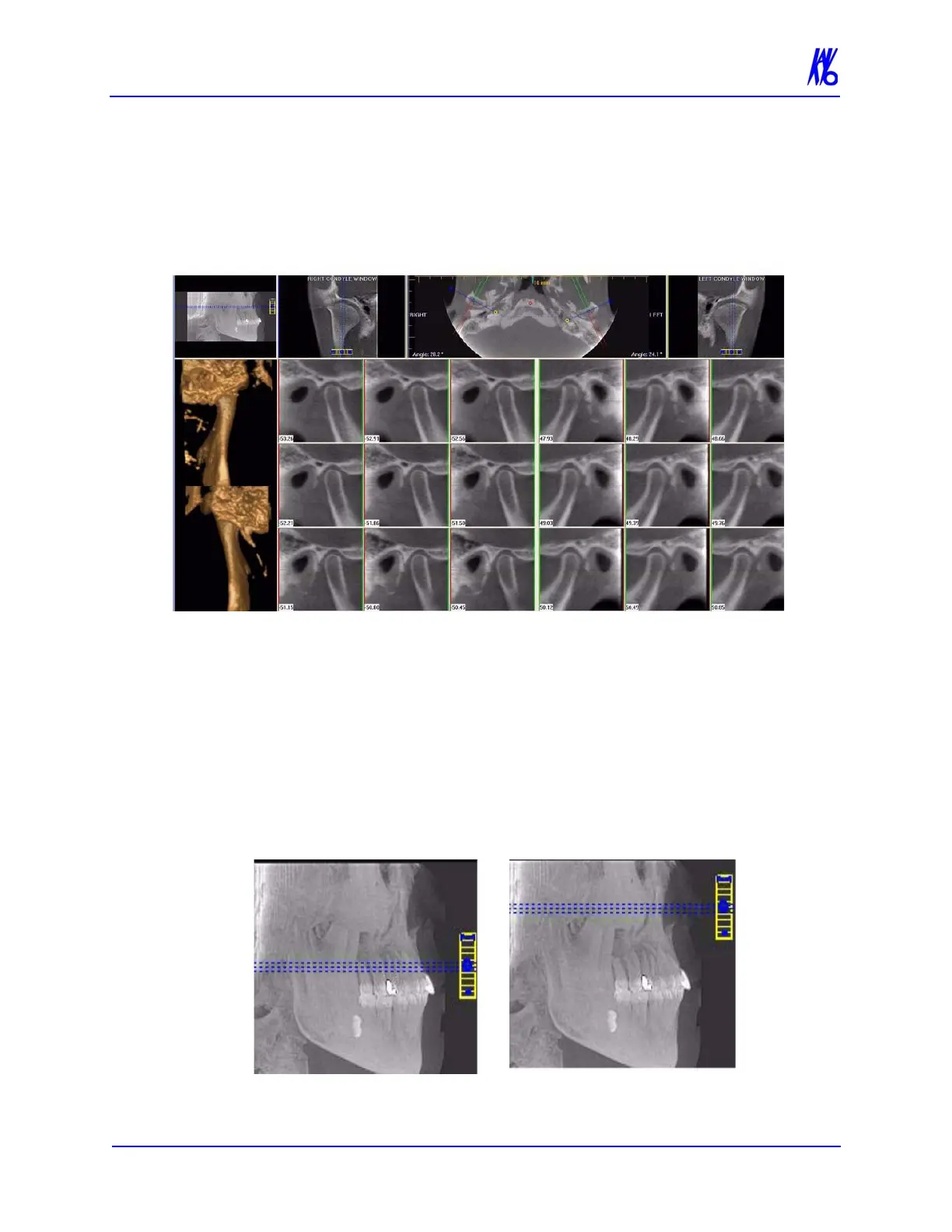
TMJ Screen
Double-clicking the Axial View on the Preview Screen displays the
TMJ Screen.
TMJ Screen enables condyle mapping and creating corresponding
coronal slice views.
To use the TMJ Screen:
1. If necessary, pan the Axial (SMV) View (upper left) down in the
window to see the condyles. (See Pan Feature.)
2. Use the scroll bar center (O) tool to locate the condyles for
proper mapping.



 To Next Page