K990400 16 April 2008
Detail Screens
8-19
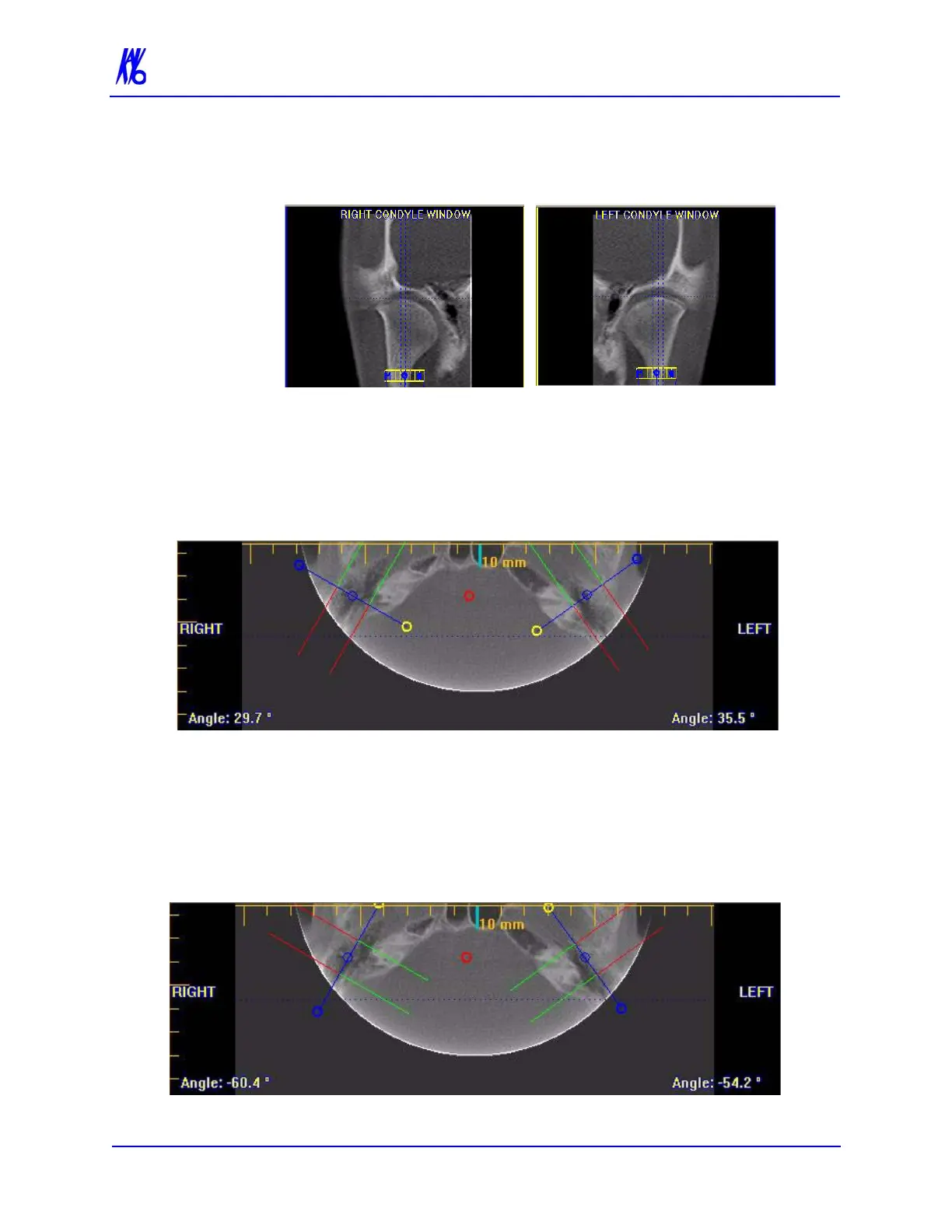
3. Drag center (O) tools from the RIGHT and/or LEFT CONDYLE
WINDOWS to move the slice locations of the cross section
views.
4. Drag the solid circle tool (right edge of toolbars) to adjust the
slice thickness of the cross section views.
To create lateral slices:
5. Drag the center blue circles on the Axial View to move the
corresponding Condyle Map.
6. Drag the yellow and blue end circles to adjust the angle of each
Condyle Map.
Green markings indicate the anterior of the Condyle.
Red markings indicate the posterior of the Condyle.
7. To create Coronal Slices, click the red circle.



 To Next Page