K990400 16 April 2008
9-1
Chapter
9
Tools
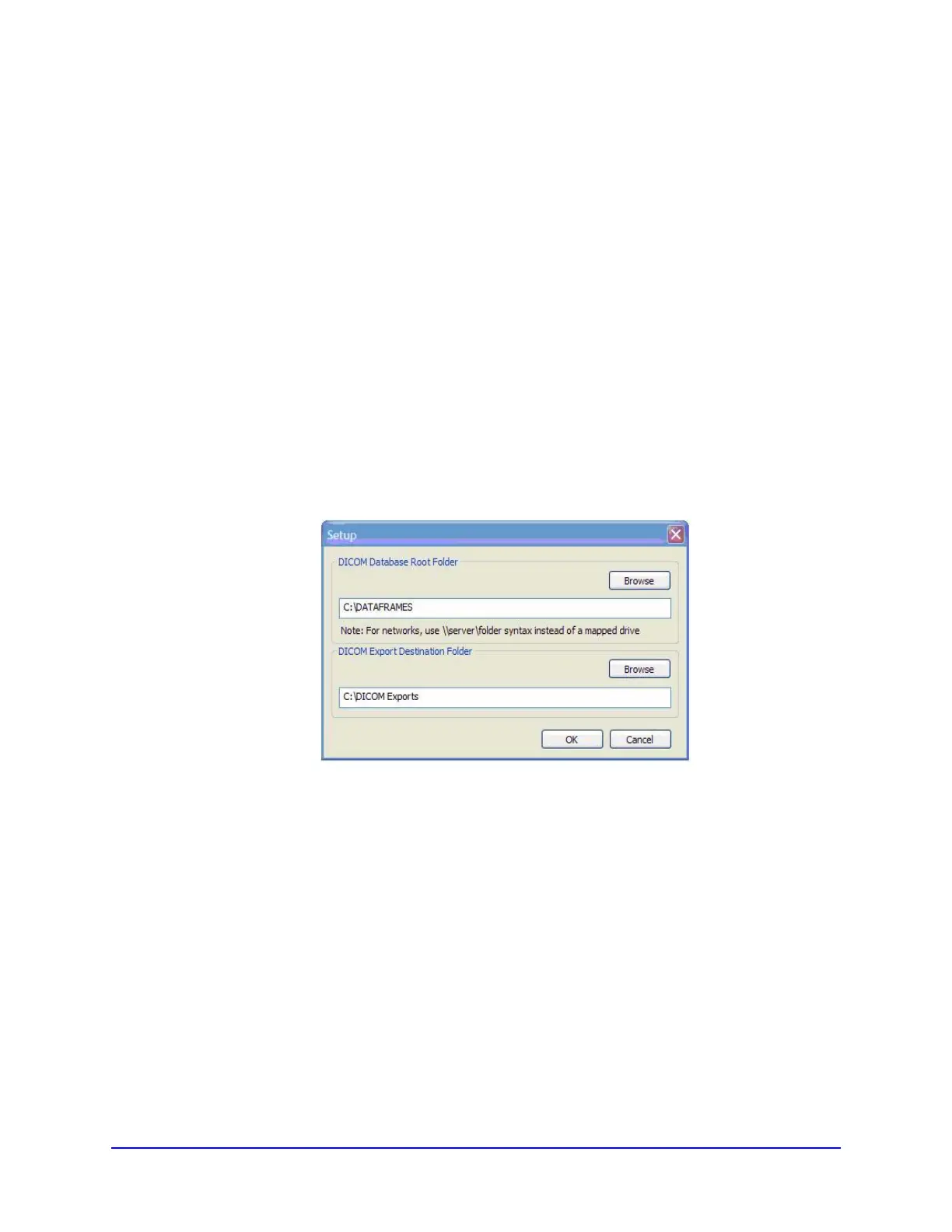
DICOM Database and DICOM Export Setup
This procedure describes how Patient Data is converted into
DICOM images and also determines where these DICOM image
files are to reside.
1. From the top Main menu, select Tools > Setup.
• DICOM Database Root Folder - contains patient data that
is required for creating DICOM images.
• DICOM Export Destination Folder – this path selection
determines where the DICOM images are to reside when
executing the
Export DICOM procedure.
2. Click Browse for both fields.
3. Choose a path for the DICOM Database Root Folder and the
DICOM Export Destination Folder.
If required, click Make New Folder.
4. Click OK.



 To Next Page