K990400 16 April 2008
Detail Screens
8-17
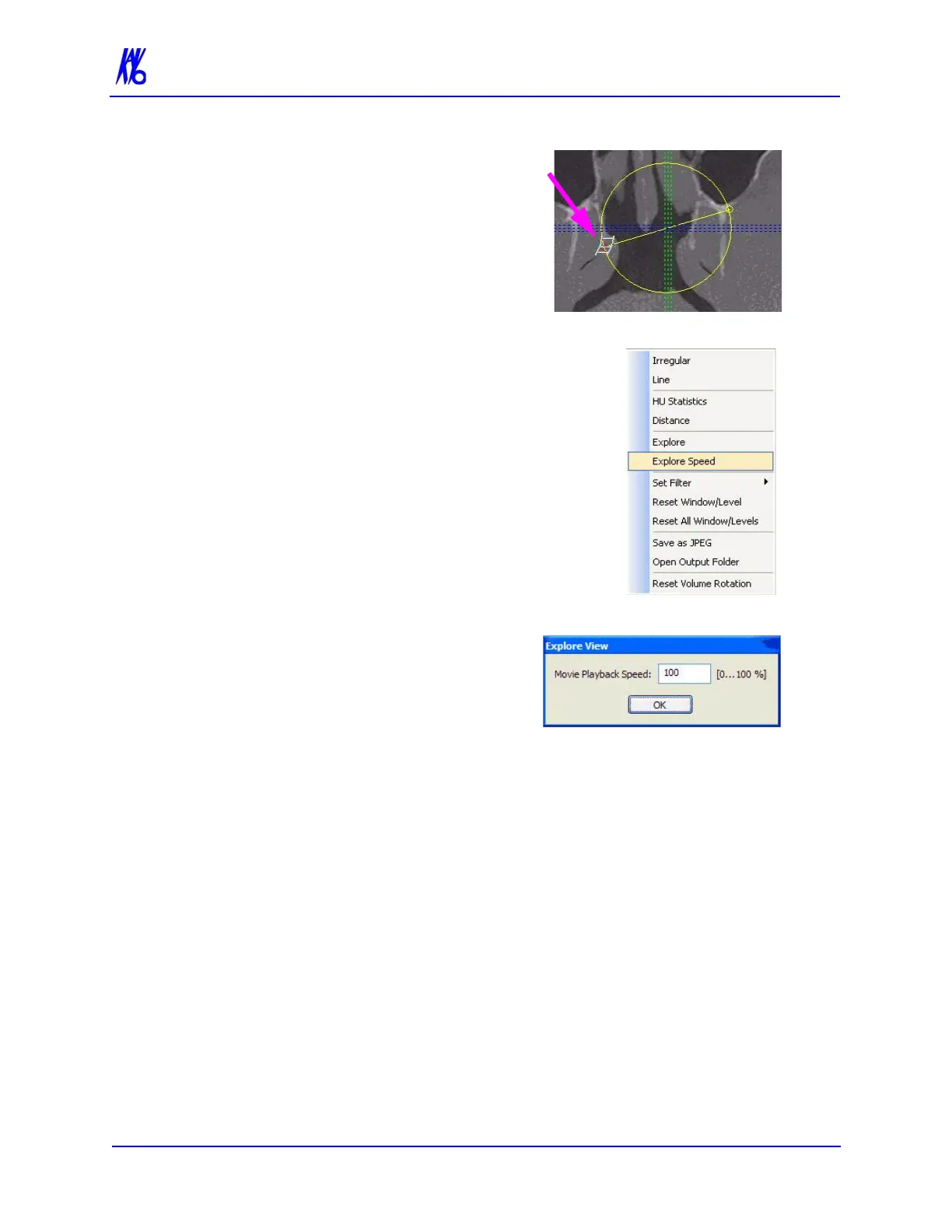
6. Move the cursor over the red
end point and the cursor
changes to a film icon.
7. Click cursor to start the
animation which plays in the
lower right view.
8. To adjust the playback speed,
right-click any image and select
Explore Speed
9. Enter desired animation speed
in the Movie Playback Speed
field.
10. Click OK.



 To Next Page