Kavo 3D eXam ® Operators’ Manual
K990400 16 April 2008
8-16
3. To reposition the line, drag either end point of the line.
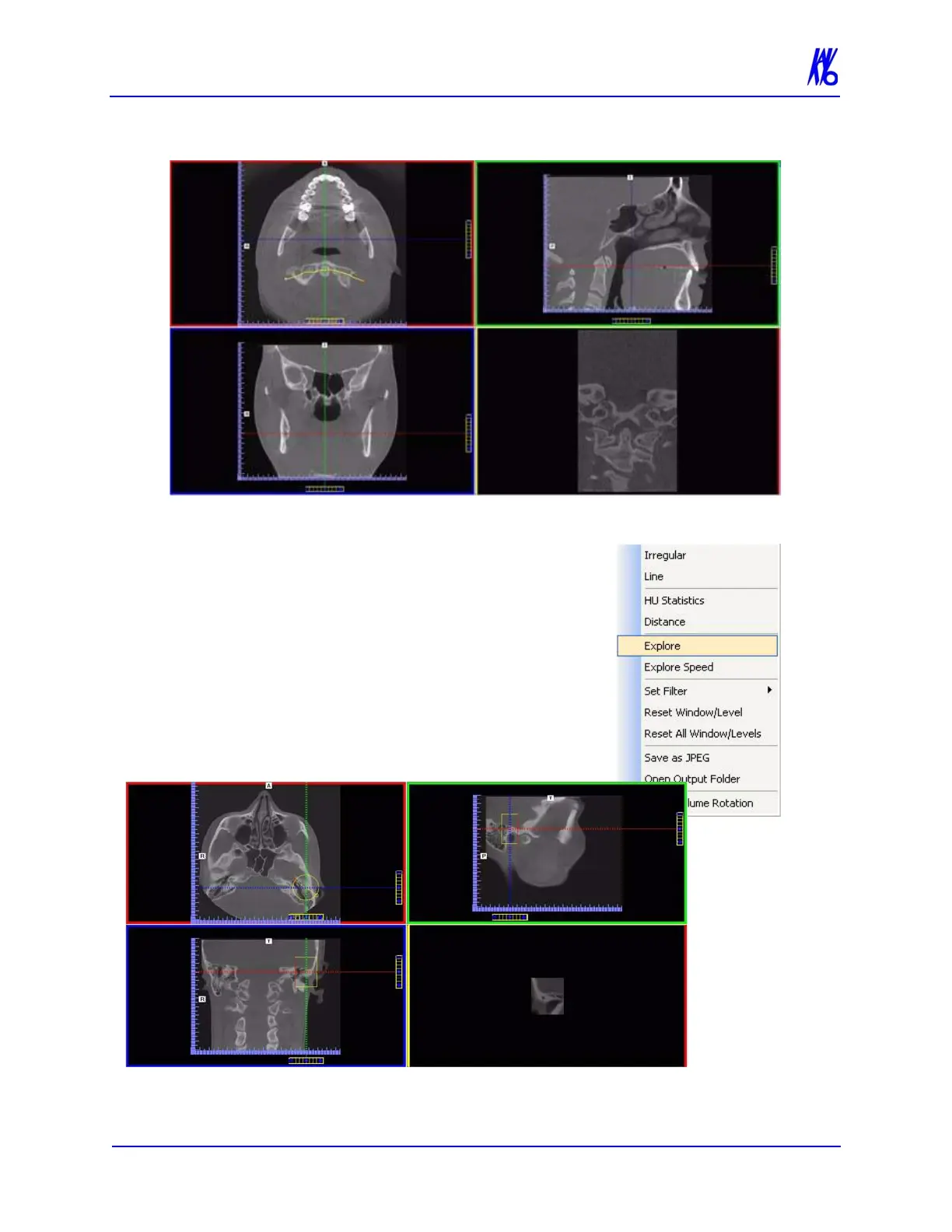
To explore additional cut planes in an
animated (consecutive) fashion:
4. To view additional cut planes, right-
click view and select Explore.
A pointer cursor is displayed.
5. Drag the center of the circle to position
the cut planes slice.



 To Next Page