K990400 16 April 2008
Detail Screens
8-11
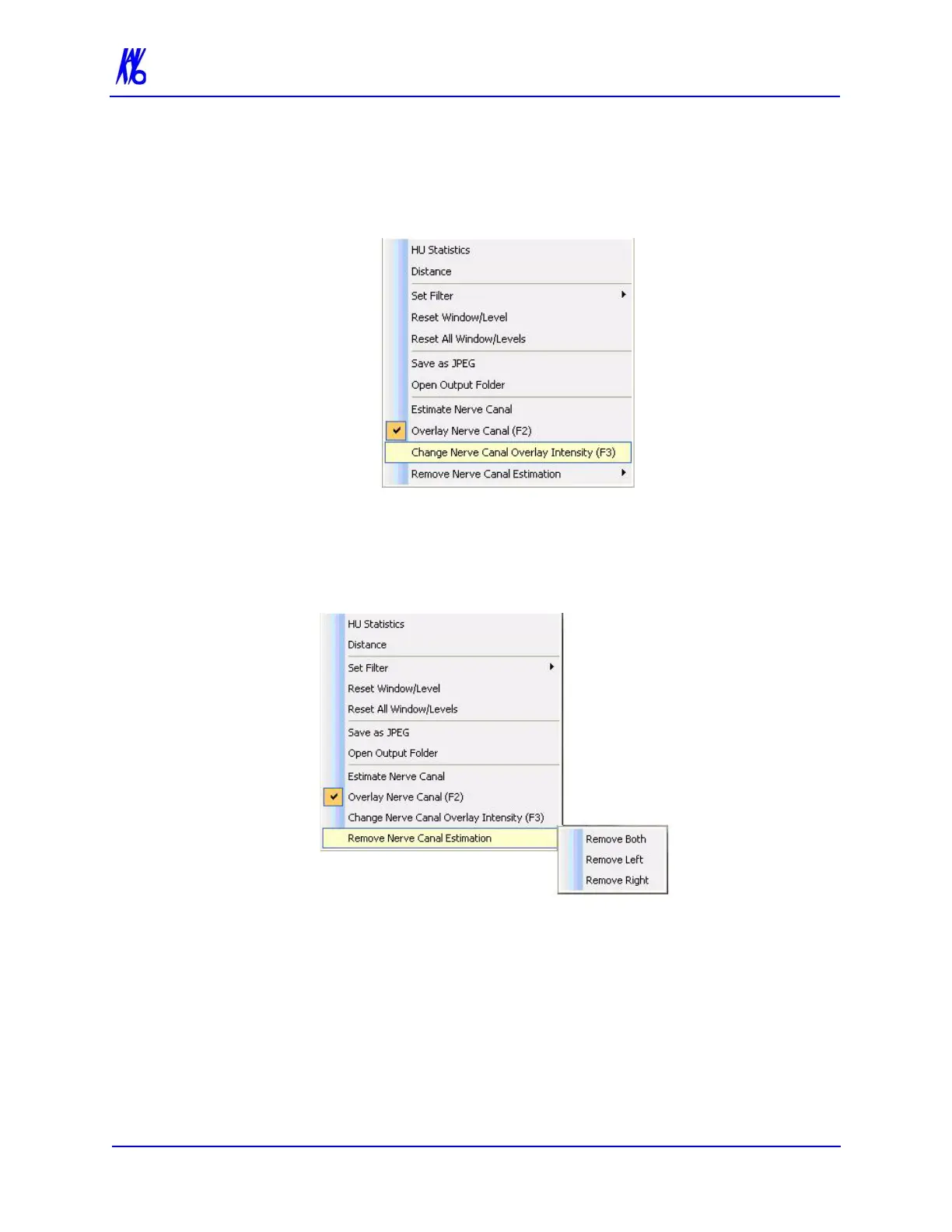
2. To change the intensity of the overlay, right-click and select
Change Nerve Canal Overlay Intensity, or press F3 key.
Selecting this option in succession toggles the overlay intensity
brighter or dimmer.
To remove a nerve canal estimation:
1. Right click, select Remove Nerve Canal Estimation and
choose one of the three options on the drop-down, depending on
the estimation to be removed.
2. Nerve canal estimation is removed.



 To Next Page