Kavo 3D eXam ® Operators’ Manual
K990400 16 April 2008
7-24
• Scans taken at 0.2 or 0.25 can be reconstructed at 0.2 or
0.25.
4. Click Reconstruct. The raw DICOM images are reconstructed
as specified.
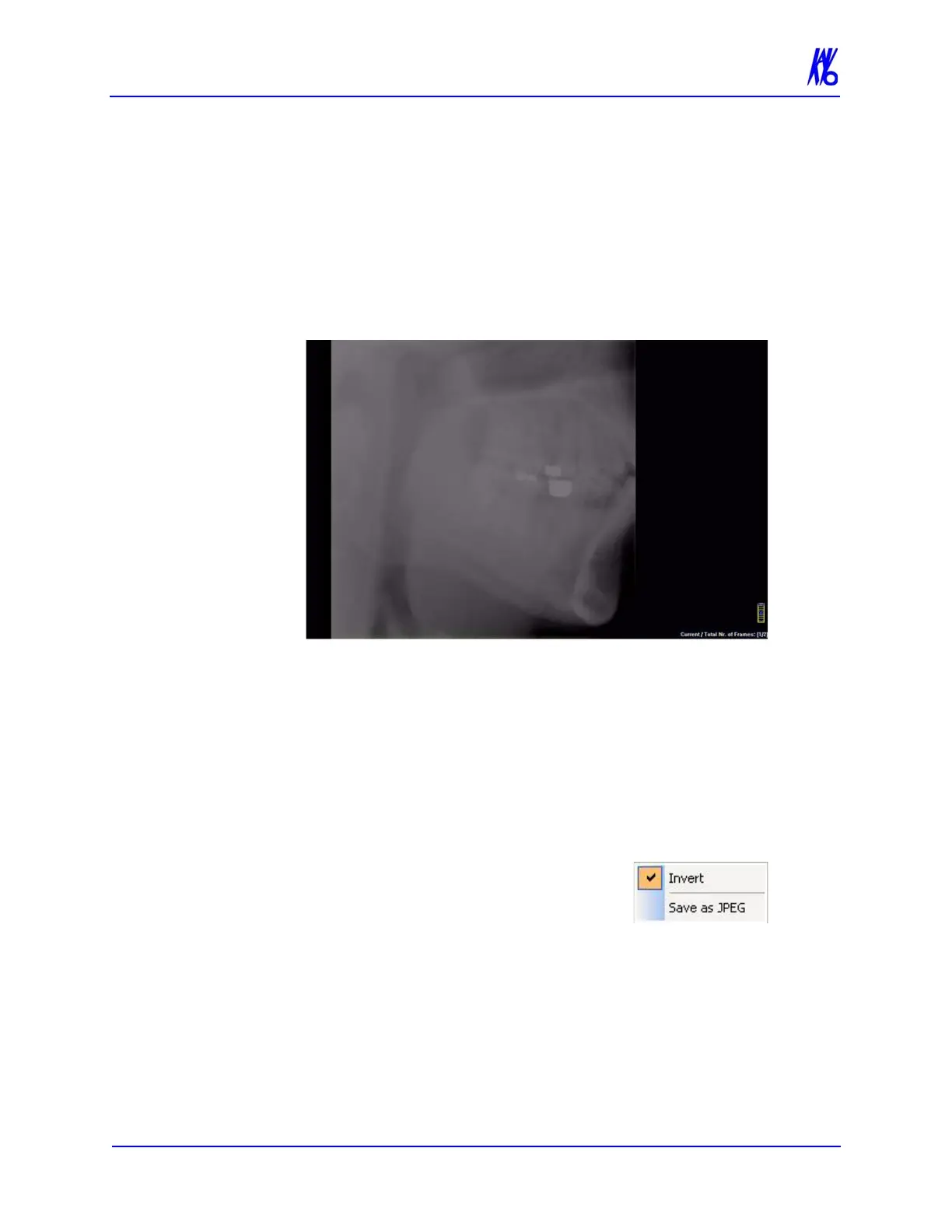
To Load Preview Frames:
1. Right-click on Raw scan and select Load Preview Frame(s).
Preview screen is displayed.
2. Image can be manipulated as follows using the features
described earlier in this chapter:
• Adjust brightness and contrast
• Zoom
• Pan
• Scroll between first and last frame
3. Right-click on the image to:
• Invert - Toggle between MIP and
Radiograph.
• Save as JPEG - Select a location
on the computer to save the image
as a JPEG file.
4. To return to the Preview screen, click Screen > Preview Screen.



 To Next Page