Kavo 3D eXam ® Operators’ Manual
K990400 16 April 2008
7-12
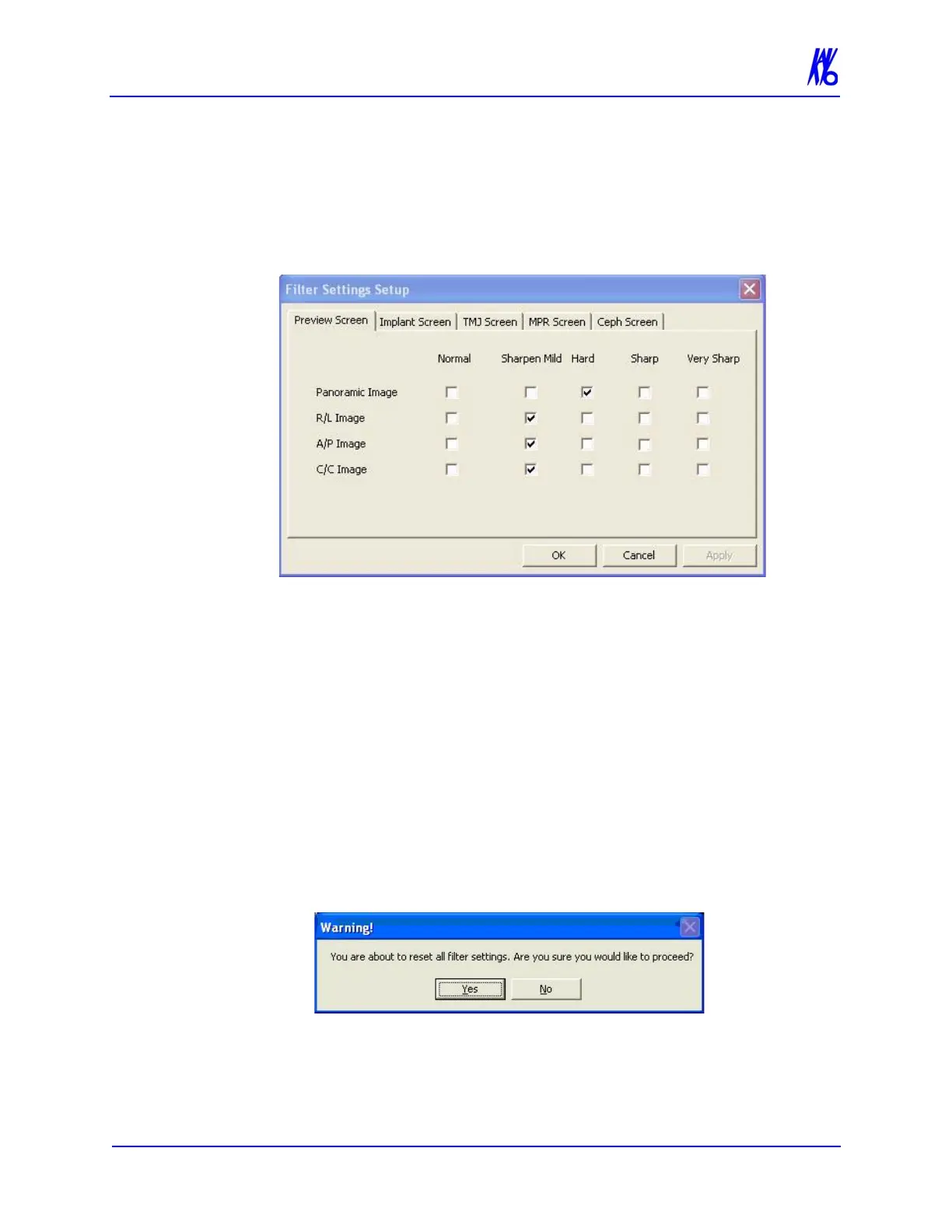
Setting Filters for One or More Image Types
To change the filter setting for one or more image types:
1. From the Main menu, select Tools > Filter Settings > Set
Filters
2. Select a tab at the top of the dialog box which contains the screen
to change the filter setting.
3. Select check boxes to change the filter settings.
4. Click OK. The dialog box closes and the selected filter settings
are applied.
Resetting all Filters to the Default Values
To reset filters to the default values:
1. From the Main menu, select Tools > Filter Settings > Reset To
Default.
2. Click Yes. The dialog box closes and all filter settings are set to
the default.



 To Next Page