Kavo 3D eXam ® Operators’ Manual
K990400 16 April 2008
10-2
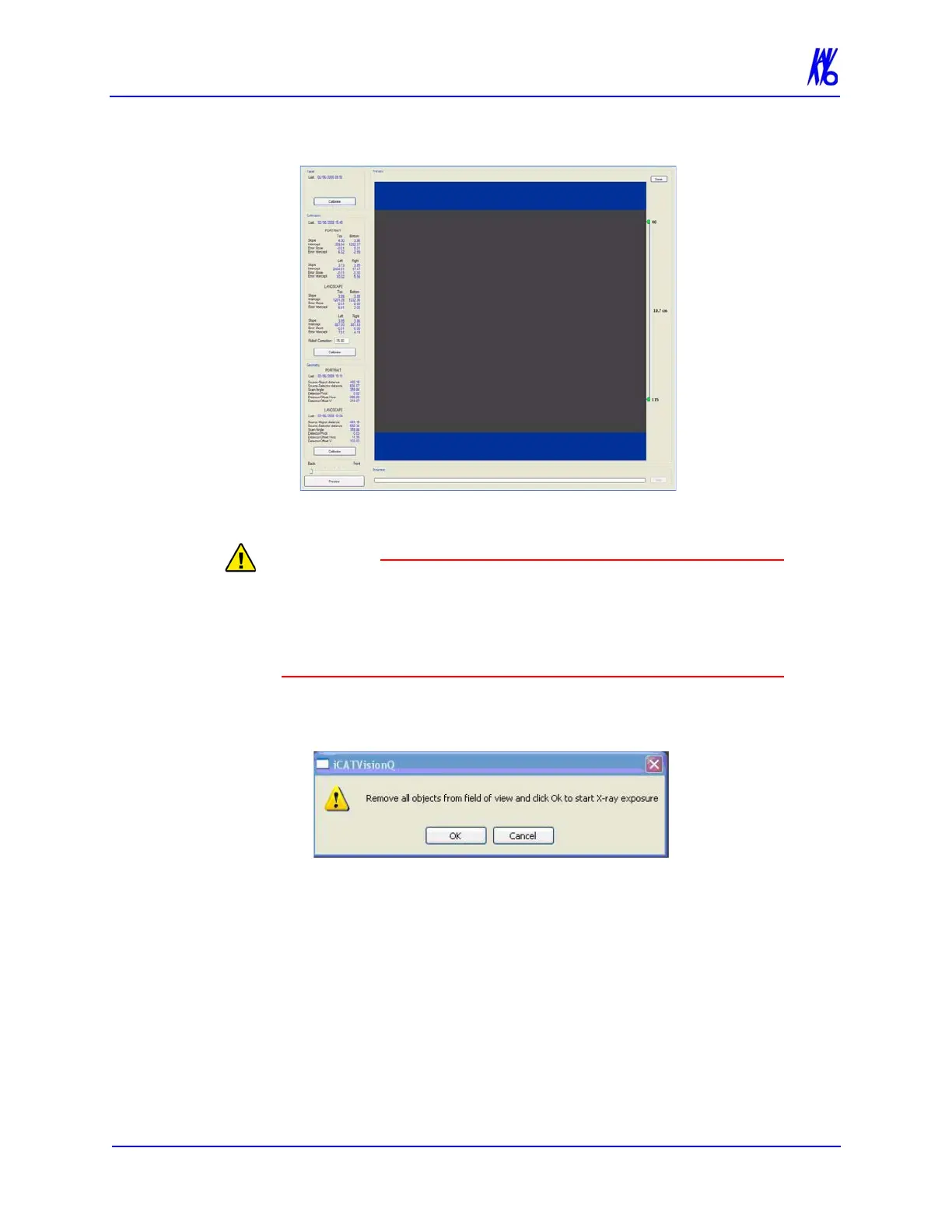
The Calibration screen is displayed.
3. Click the Calibration button (top) in the Panel field.
The X-ray device may be dangerous to the Patient and operator if
you do not observe and follow the safe exposure factors and
operating instructions. Do not operate this system unless you have
received training to perform a procedure.
A window is displayed “Remove all objects from the field of
view and click OK to start X-ray exposure.”
4. Click OK.
5. When prompted, press the Scan button on the Control Box. An
audible is sounded and the X-ray ON light is illuminated during
radiation exposure.
6. The progress of the scan is displayed on the Progress bar at the
bottom of the Acquire window. You will be prompted to press
the Scan button several times as the calibration progresses.
”Panel Calibration Complete” is displayed when the process is
finished. Click OK.



 To Next Page