K990400 16 April 2008
Remote System Import and Export
15-7
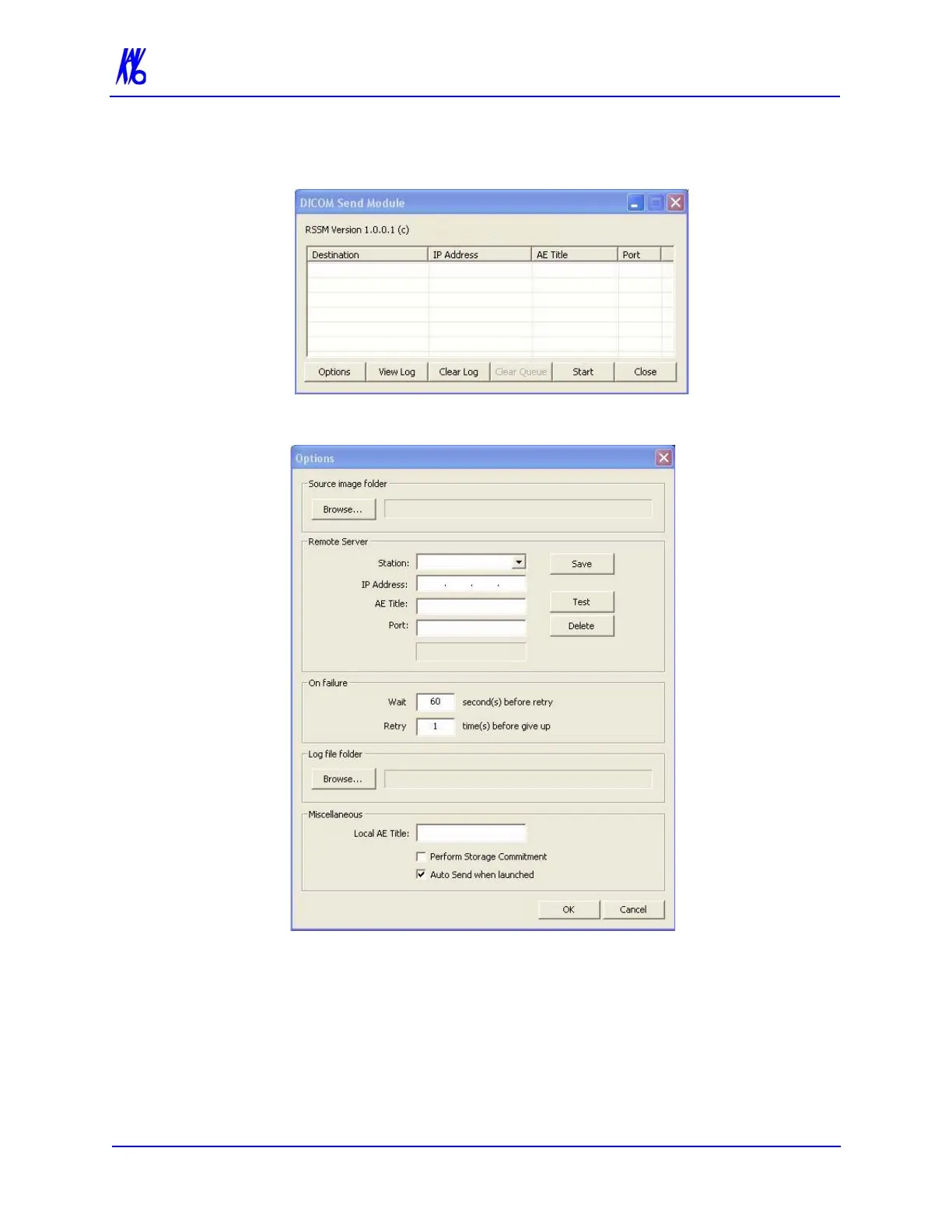
2. Double-click RSSM.exe. The DICOM Send Module is
displayed.
3. Click Options.
4. Click Browse in Source image folder section and browse to the
folder where the DICOM files are to be placed for export. Create
a new folder if desired.
5. In Remote Server section:
a. Enter Station name, IP Address, AE Title, and Port number
for remote DICOM server (C-STORE SCP).



 To Next Page