Kavo 3D eXam ® Operators’ Manual
K990400 16 April 2008
B-2
To get started, an image dataset
must be loaded. The case
MUST be in DICOM format.
If importing a case from
Vision, make sure to export the
case in DICOM3-Multi File
format.
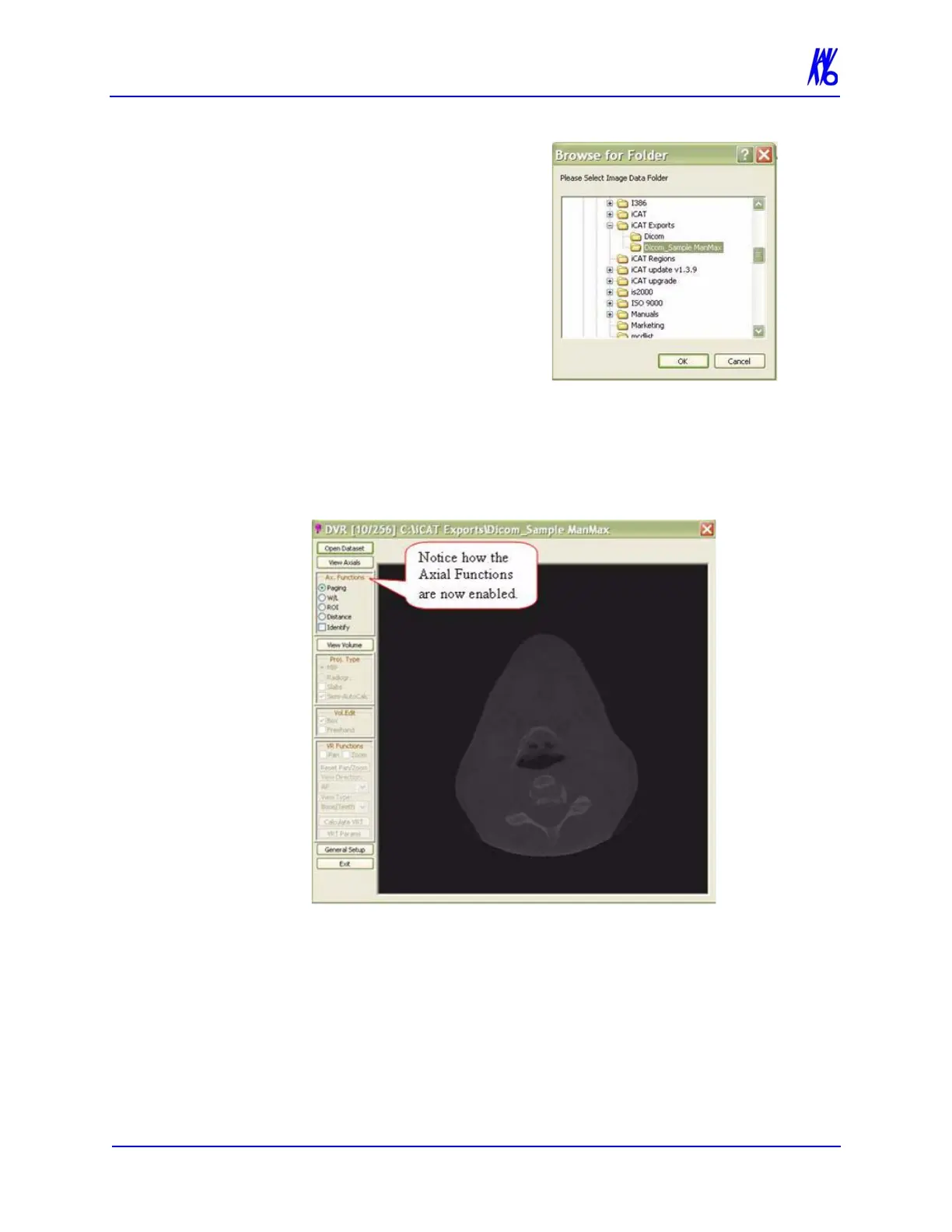
2. Click Open Dataset, a browse
window is displayed.
3. Select the drive/folder for the
DICOM dataset and click OK.
The first view displayed is an Axial slice.
The Axial Functions menu, under the View Axial button, is
enabled.



 To Next Page