Kavo 3D eXam ® Operators’ Manual
K990400 16 April 2008
7-4
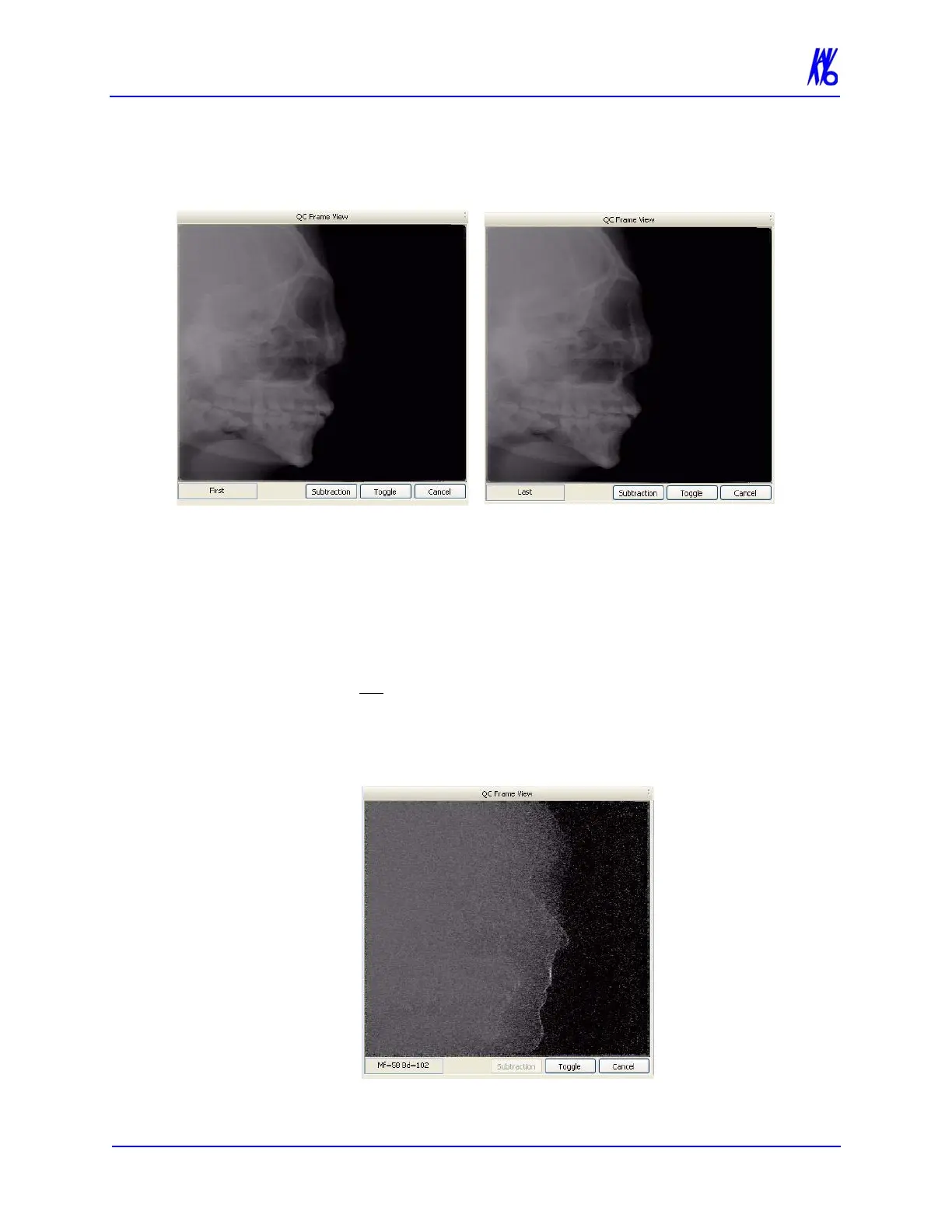
2. Click Toggle to display the last image of the scan. Toggle as
needed to compare first and last frames. Frames should look
identical if patient did not move.
3. Click Subtraction. Values for motion factor (Mf) and
brightness density (Bd) are displayed.
• The Mf and Bd values are intended to be used by Technical
Support to help diagnose image quality issues.
• In general, Mf values below 80 indicate no visible motion
between the first and last scan. However, values above 80
do not mean a rescan is required. Use your professional
judgement as to whether the scan is acceptable.
• Bd values are not as important for motion assessment, but
values below 50 are generally good.
4. Click Cancel to exit QC Frames.



 To Next Page