E4990A Help
20
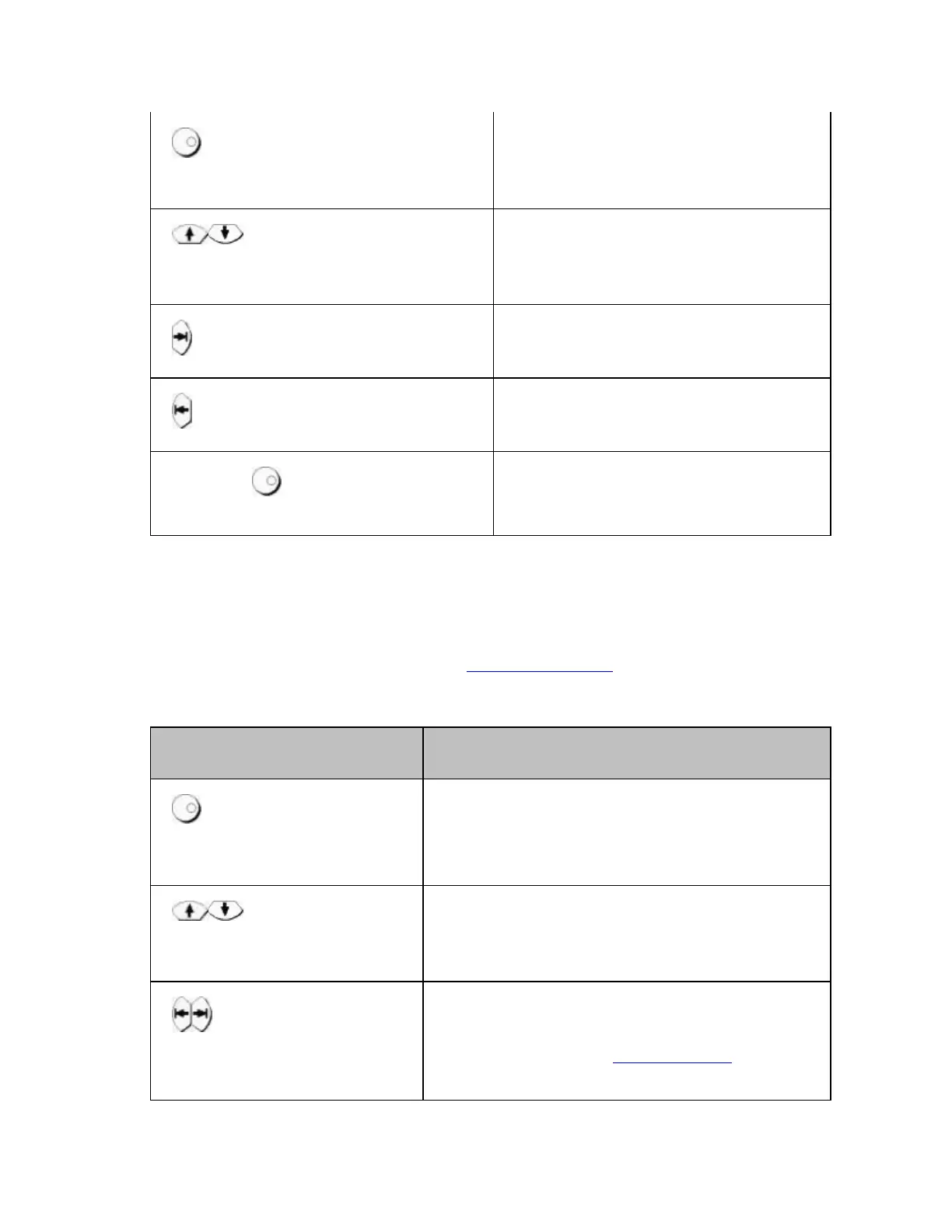
Rotary Knob (turned
clockwise or counterclockwise)
Moves the softkey selection
(highlighted display) up or
down.
Up/Down Arrow keys
Moves the softkey selection
(highlighted display) up or
down.
Right Arrow key
Displays the softkey menu one
layer above.
Left Arrow keys
Displays the softkey menu one
layer below.
Enter or Rotary Knob
(pressed)
Executes the function of the
selected softkey.
After pressing the data entry softkey, the focus automatically moves to
the data entry area.
• When the focus is on the data entry area (data entry area is selected)
When the focus is placed on the data entry area (the data entry bar is
displayed in blue), the NAVIGATION Block keys work as described
below.
Hardkey Name Description
Rotary Knob (turned
clockwise or
counterclockwise)
Increases or decreases the numeric
value in the data entry area in small
steps.
Up/Down Arrow
keys
Increases or decreases the numeric
value in the data entry area in large
steps.
Right/Left Arrow
keys
Moves the cursor (|) in the data entry
area laterally back and forth. Use it
together with the ENTRY Block keys to
change data one character at a time.














 To Next Page