- 69 -
FUNCTION SETTINGS
2. TARGET LOCK
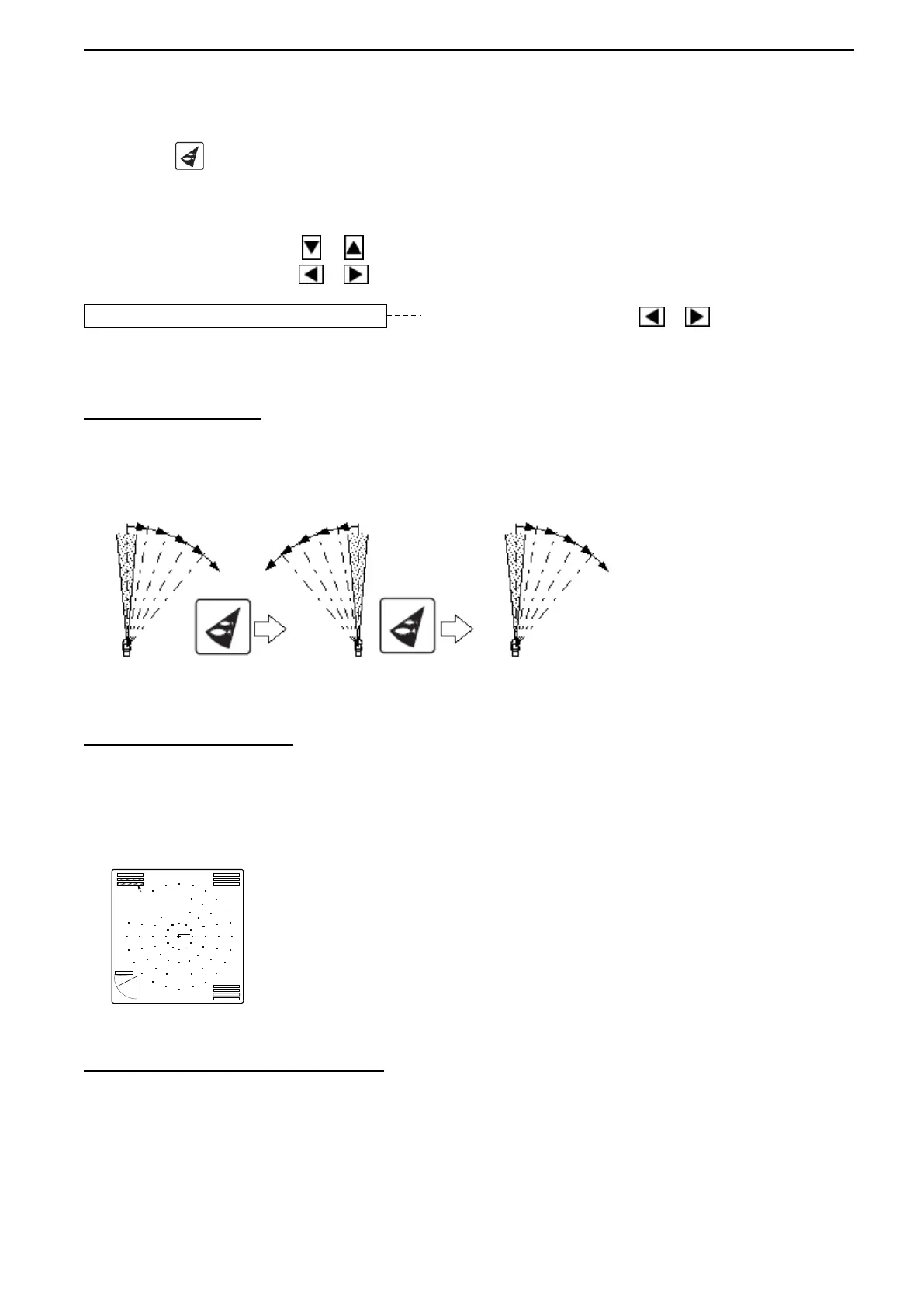
The desired target lock function can be selected, which is activated by pressing the Target
Lock key ( ) while SONAR MODE or BOTTOM-SCAN MODE (only in case of MODE0)
operated. It can change the rotary direction, trackthe target or the position specified with a
cursor automatically.
Use the Cursor Shift key ( or ) to select “TARGET LOCK”.
Use the Cursor Shift key ( or ) to change the setting.
TARGET LOCK MODE0 Use the Cursor Shift key ( or ) to change.
[MODE0, MODE1, MODE2, MODE3]
MODE 0 (REVERSE)
Each press of the Target Lock key reverses the sector rotary direction.
Note that the automatic tracking is not available in this MODE 0.
MODE 1 (RIGHT - LEFT)
Press the Target Lock key to track the reaction automatically.
“TARGET LOCK” sign appears on the upper left corner of the screen or on the display
position of BEARING and SECTOR in the INFORMATION display. MODE 1 reverses the
Transducer unit train direction only right and left and track the target automatically.
MODE 2 (UP-DOWN, RIGHT-LEFT)
One time of up and down detection is added after 3 times of MODE1 detection.
Other actions are the same with MODE 1.
If it should have lost the target after a 60°
reverse sweep, this function is released.



 To Next Page