- 70 -
FUNCTION SETTINGS
MODE 3
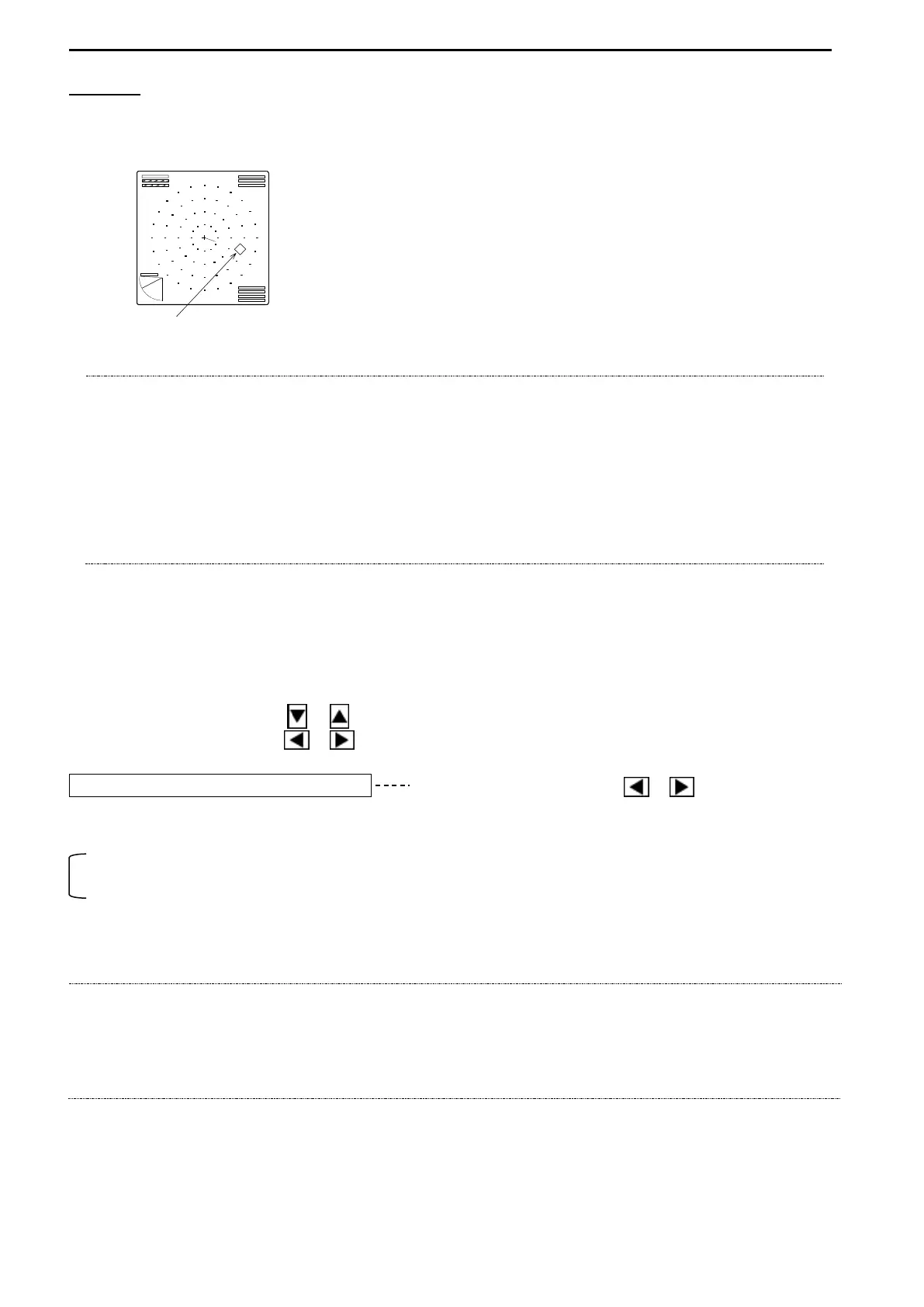
Target mark appears on the screen and tracks the target automatically after placing the Cross
cursor on the target and press the Target Lock key.
TARGET MARK
NOTE!
Tilt and Bearing keys are inoperative while Target lock function is active.
Target lock function is released when Range, Sector and Display mode
changed.
Bearing and Sector angles will back to the original values when Target Lock
function is released. The value of Tilt angle of activating Target lock remains.
Target lock function is inoperative while SOUNDER MODE is active.
It is only operative in case of [Bottom-Scan mode - MODE0] selected.
It is inoperative other than MODE0.
3. TRIGGER SIGNAL
Select which Trigger signal to use.
Use the Cursor Shift key ( or ) to select “TRIGGER SIGNAL”.
Use the Cursor Shift key ( or ) to change the setting.
TRIGGER SIGNAL INTERNAL Use the Cursor Shift key ( or ) to change.
[INTERNAL, EXTERNAL]
INTERNAL: activates the internal trigger signal of KDS-5000BB.
EXTERNAL: activates the signal from an external unit.
(when another echo sounder synchronized)
NOTE!
The sweeping speed might be slower depending on the depth whe the KDS-5000BB
is synchronizing with an external echo sounder.
Using the internal trigger signal of KDS-5000BB is recommended for synchronizing with
an external echo sounder.
The output terminal for trigger signal has prepared in the unit. Refer to page 98
Target mark moves along with the own ship on the
screen.
Target mark also appears on the sub menu if
TRACK is selected.



 To Next Page