- 76 -
FUNCTION SETTINGS
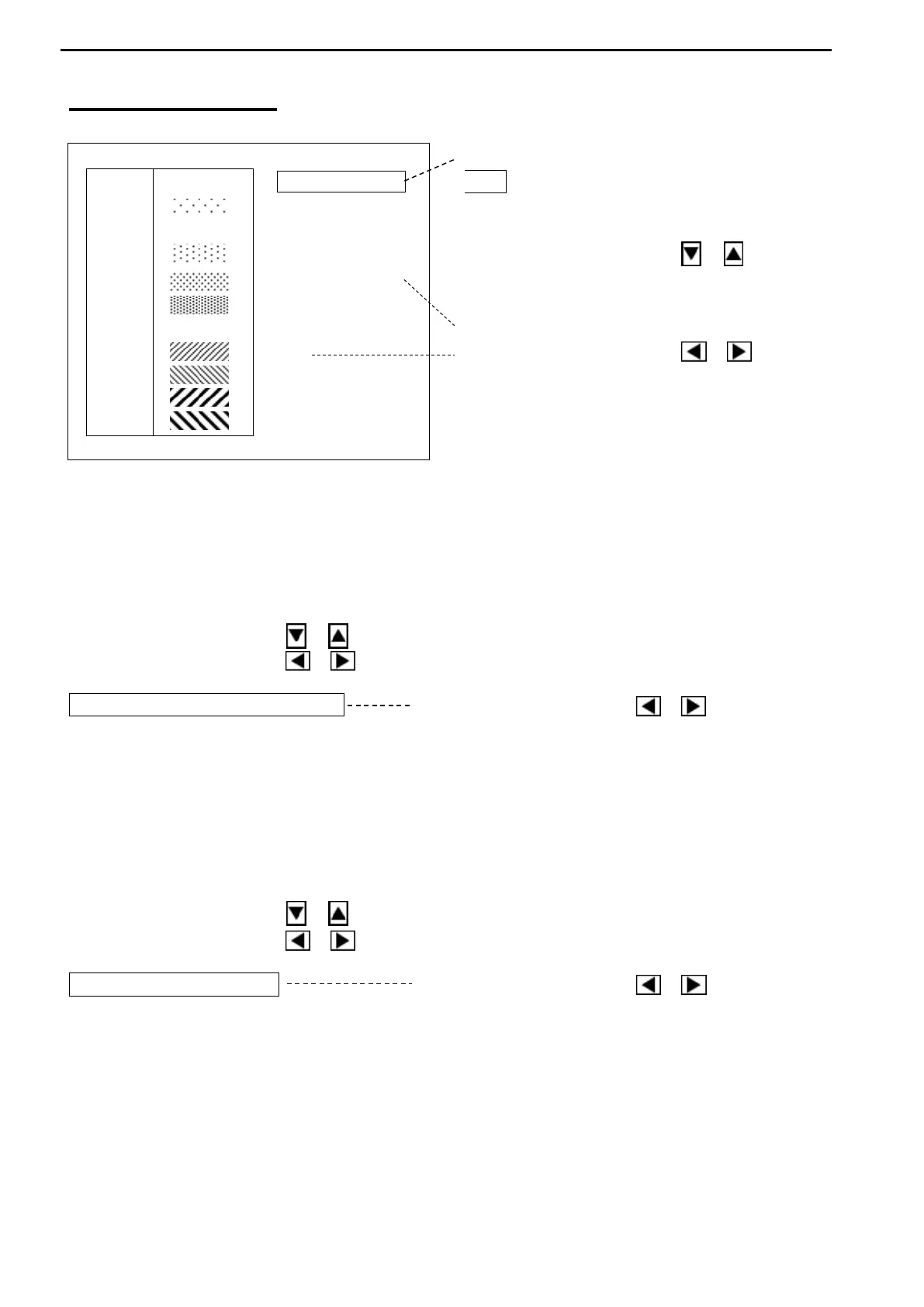
COLOR PALETTE
[MODE KNOB – MENU 2 – COLOR PALETTE]
Press the Cursor Selection key
O / + to return to MENU 2.
Use the Cursor Shift key ( or )
to select the desired item to change.
Use the Cursor Shift key ( or )
1. COLOR SEL.
The color of echoes and background (A-1, A-2, B-1 or B-2) can be set as desired.
C-1 / C-2 can set the colors freely with Color palette function.
Use the Cursor Shift key ( or ) to select “COLOR SEL.”.
Use the Cursor Shift key ( or ) to change the setting.
COLOR SEL. A-1 Use the Cursor Shift key ( or ) to change.
[A-1, A-2, B-1, B-2, C-1, C-2]
2. COLOR
The display colors can be select.
C-1 / C-2 can set the colors freely with Color palette function.
Use the Cursor Shift key ( or ) to select “COLOR”.
Use the Cursor Shift key ( or ) to change the setting.
COLOR 8 Use the Cursor Shift key ( or ) to change.
[8, 16]



 To Next Page