- 77 -
FUNCTION SETTINGS
HOW TO SET COLOR PALLETTE
Color palette can provide 2 color patterns (C-1 & C-2) freely.
The initial color pattern of C-1 is the same with A-1 and C-2 are is the same with A-2.
Use the Cursor Shift key ( or ) to select “C-1” or “C-2”, which activates the “INITIAL
SETTINGS” and “EIDT” functions.
Use the Cursor Shift key ( or ) to select “INITIAL SETTINGS” and press the Cursor
Selection key O / + to back to the “INITIAL SETTINGS”.
Use the Cursor Shift key ( or ) to select “EDIT” and press the Cursor Selection key
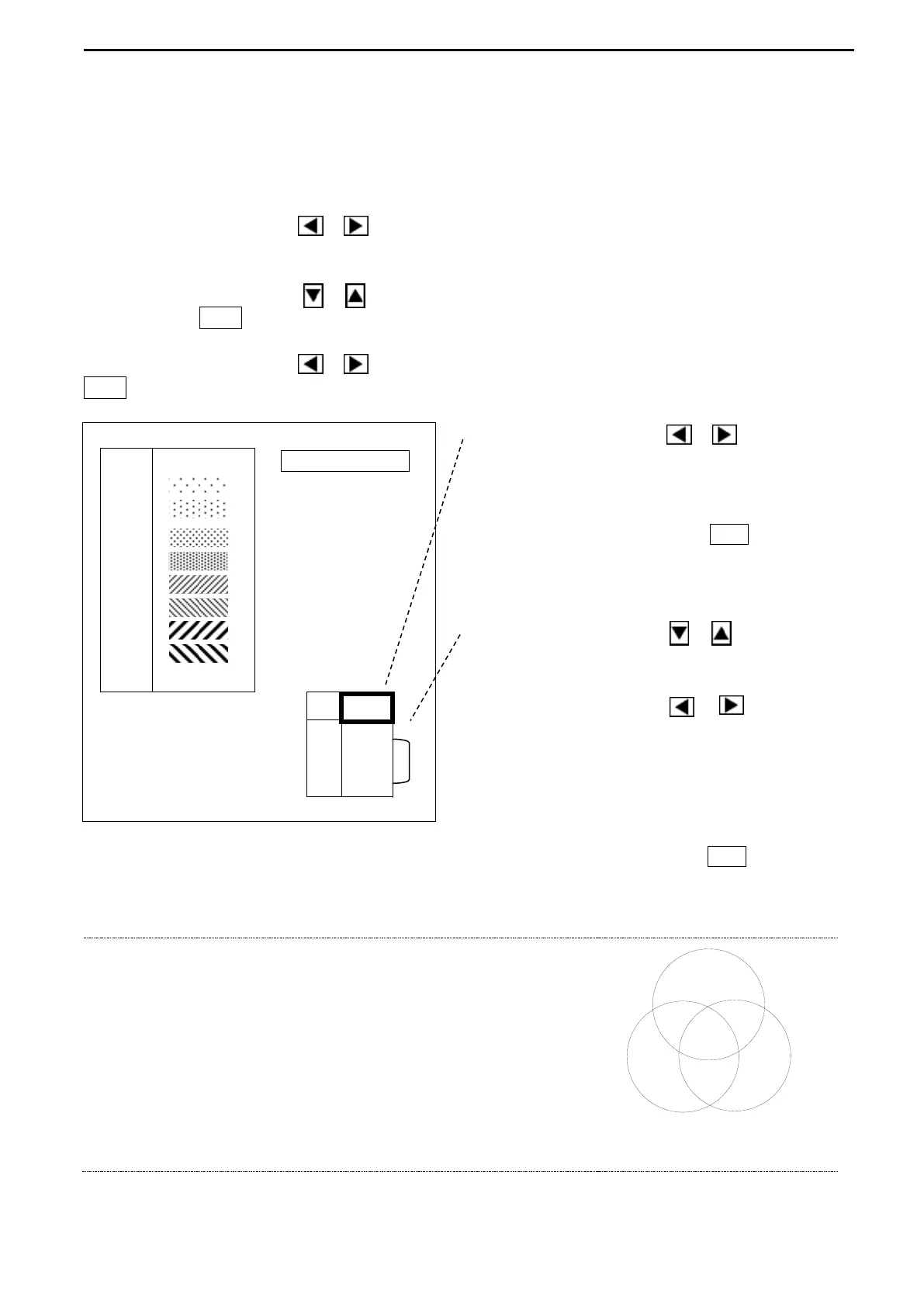
O / +. Color palette appears on the screen.
Use the Cursor Shift key ( or ) to select
the color to set, which activates the RGB ratio
Press the Cursor Selection key O / + to close
Use the Cursor Shift key ( or ) to select
R, G or B for the ratio change.
Use the Cursor Shift key ( or ) to change
the ratio value (0 to 15).
15 is the strongest in RGB and its tone decreases
in accordance with the smaller number.
Move the Frame to the top after the RGB setting. Press the Cursor Selection key O / + to close
this menu and the desired settings are memorized in C-1 or C-2.
COLOR PALETTE!
Various desired colors can be created from changing
RGB ratio.
Color palette function provides the creation of desired
colors.
Utilize this Color palette function to set the most
visible display for the reaction of fish schools.



 To Next Page